Add a Watermark to a PDF
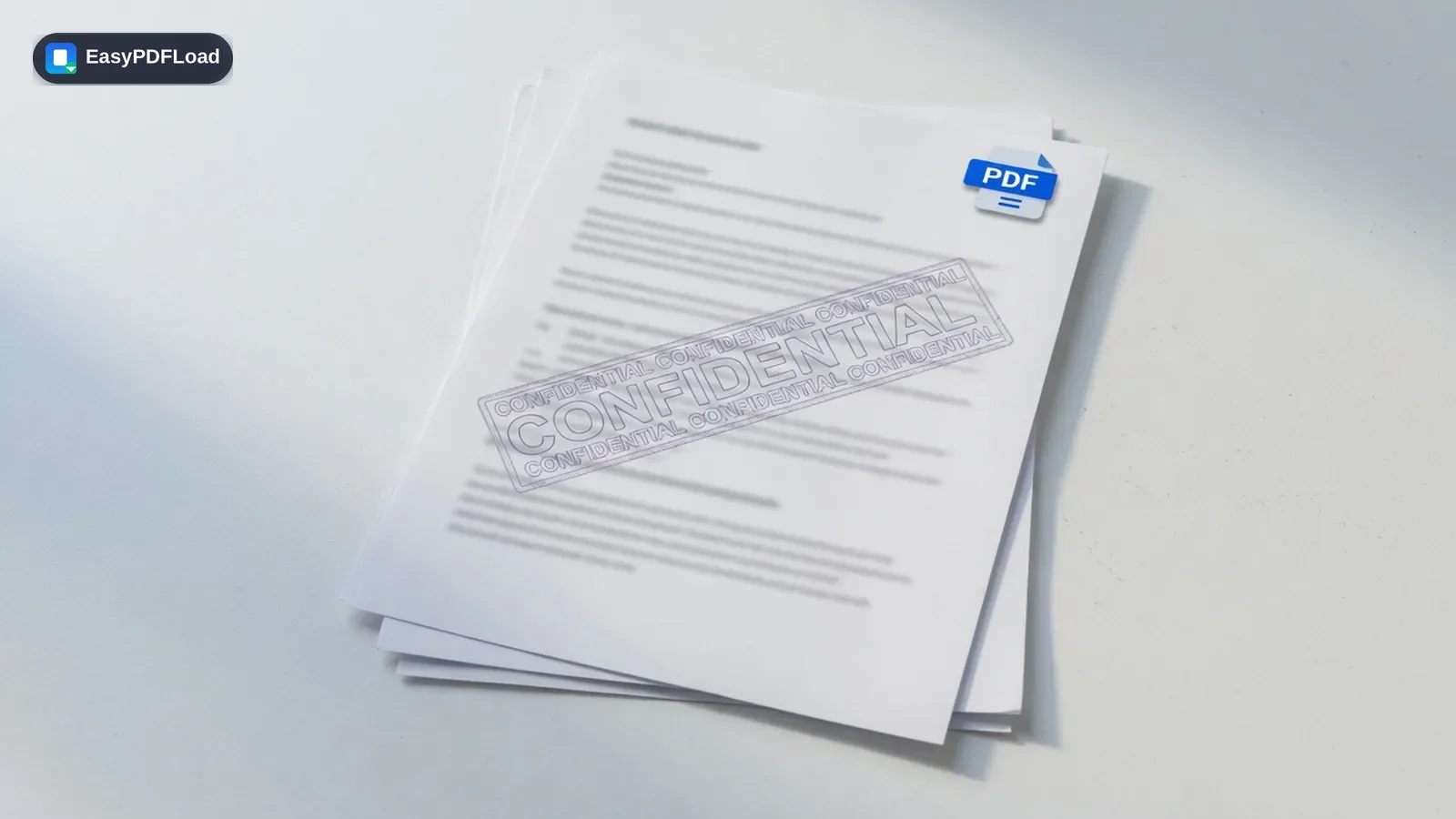
Stamp a custom text watermark — like "CONFIDENTIAL", "DRAFT", or your company name — across every page of your PDF, with full control over opacity, size, rotation, and position.
Drop your file here, or click to choose
Editing your PDF with Watermark
 1
1Drop the PDF
Drop the PDF you want to watermark into the tool — it stays on your device.
 2
2Type the watermark
Type your watermark text and adjust opacity, rotation, size, and color.
- 3
Preview
Preview the watermark on the page.
 4
4Download
Click "Add Watermark" and download your stamped PDF.
A real use case
A law firm circulates a draft settlement agreement internally before it's finalized and wants every copy clearly marked so nobody mistakes it for the signed version. Type "DRAFT — NOT FOR SIGNATURE," set a diagonal rotation and light opacity so the text stays legible, and watermark every page in one pass before emailing it around for review.
Why edit with Watermark in your browser?
- 🖋️ Mark drafts, confidential documents, or company files with custom text like "CONFIDENTIAL" or "DRAFT" before sharing them.
- 🎛️ Full control over opacity, rotation, size, and color, so the watermark is visible without covering the content.
- 🔒 Applied locally in your browser, so the document isn't uploaded to a server just to be stamped.
- 💸 Free with no limit on how many documents you watermark.
What this changes in your file
pdf-lib draws your watermark text directly onto each page's content stream in this tab, at the opacity, rotation, size, and position you set — the same drawText mechanism used to stamp page numbers, just repeated across every page of the document. The original page content underneath is untouched; the watermark is added as new text, not baked into an image. The stamped file is assembled entirely in browser memory and handed to your download, with no copy of the document sent anywhere.
Limits and edge cases
- Text watermarks only for now — embedding a logo or image as a watermark isn't supported yet.
- A password-protected PDF needs to be unlocked first, since stamping every page requires writing to the document directly.
- The watermark is applied uniformly to every page in one pass; there's no per-page custom text in a single run — different text on different pages needs separate passes.
- Very high opacity combined with dense page content can make small print harder to read underneath; preview the placement before finalizing if the page is text-heavy.