Updated September 9, 2026 · 2 min read
Written by Hassan Raza, Founder & Developer of EasyPDFLoad.
Is It Safe to Convert a PDF Online? What Actually Matters
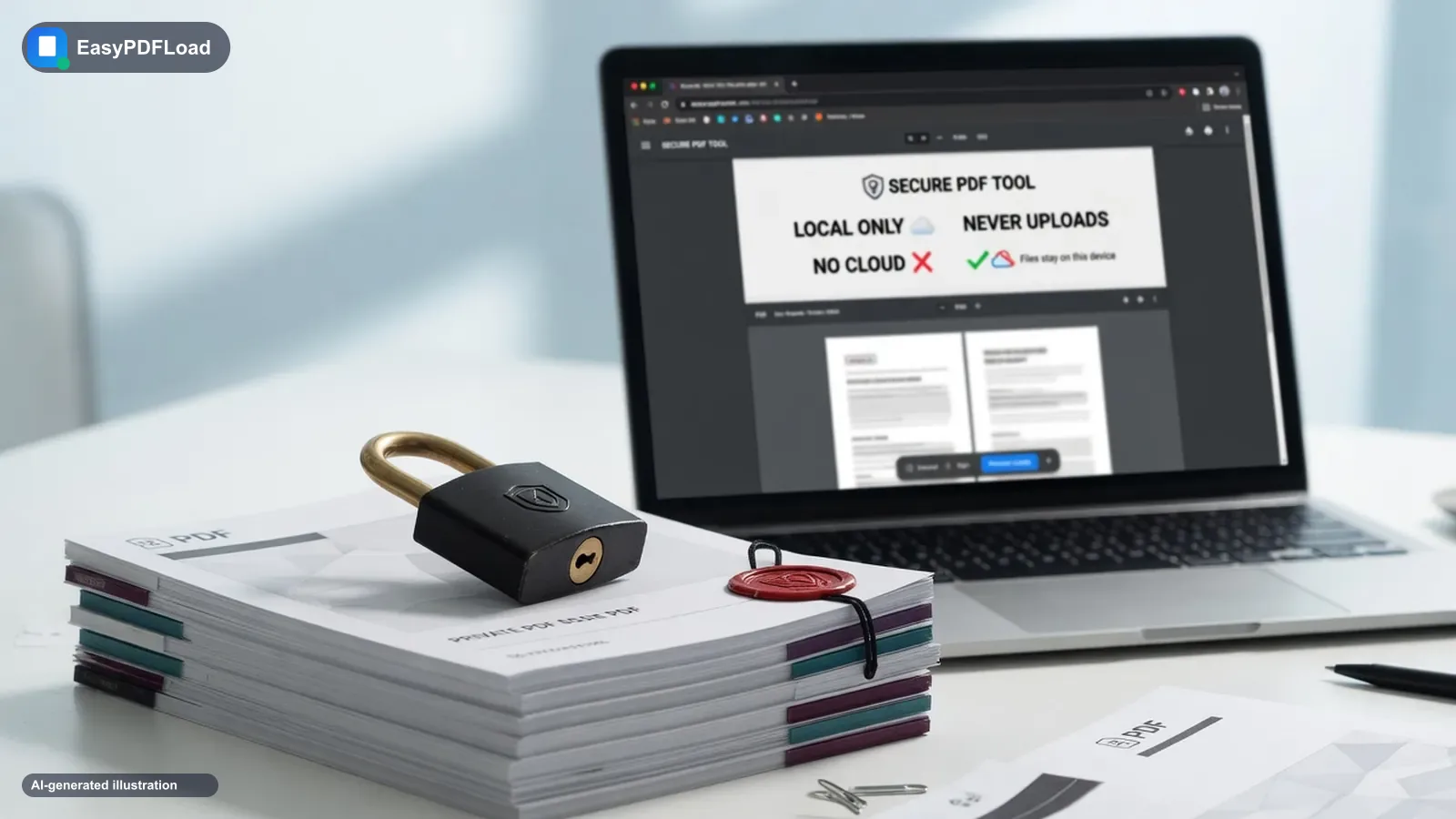
Short answer: It is safe to convert a PDF online only if you know whether the file is uploaded. Most “free converters” send a copy to a server. That is a privacy risk for contracts and IDs, even when the site is not a scam. In March 2025 the FBI Denver Field Office warned that fake converter sites were loading malware and scraping uploaded files. Browser tools that process the file on your device avoid both problems.
Two different “safe” questions people mix up
- Is this site malware? On March 7, 2025 the FBI Denver Field Office warned that free online converters were being used to hide malware in the download and to scrape files you upload. Lookalikes of well-known PDF brands have also been used in infostealer campaigns. Check the spelling of the domain. Never run a PowerShell command or download
adobe.zipbecause a converter told you to. - Does my document leave this computer? A legitimate converter can still upload your tax return. “No sign-up” does not mean “no upload.” Here is a two-minute way to check.
Is it safe to convert a PDF online?
For a flyer or a public brochure: usually yes, on a well-known HTTPS site. For a passport, offer letter, medical form, or anything under NDA: only if conversion happens in the browser. Once a file is on someone else’s disk — even “for 90 seconds” — you are trusting their deletion scripts, backups, and staff access.
EasyPDFLoad converts and edits PDFs in this tab with JavaScript. After the page loads you can turn the network off and the tools still run. That is the bar we mean by safe for sensitive files.
Server-side vs browser-based processing
Upload tools: your PDF goes to a remote machine, gets converted, and a download link comes back. Privacy then depends on a policy you cannot verify from the outside.
Browser tools: the file is read into memory on your device. Nothing is posted. You can watch that in the Network tab — there should be no document upload after you drop the file.
A 30-second checklist
- HTTPS in the address bar, and the domain is spelled correctly.
- The site says where processing happens — “in your browser” vs “on our servers.”
- No account required for a basic convert/merge/compress. Accounts are for storing files.
- No prompt to install a helper, run a script, or open a password-protected zip.
- For a named brand (for example Online2PDF), read whether they upload. We walked through that here: Is Online2PDF safe?
When an upload might still be fine
Heavy OCR in many languages, or huge batches, sometimes needs a server. If you must use one, pick a vendor that states a short deletion window, and do not send anything you would not put in an email to a stranger.
Convert, merge, or compress without an upload
Every tool on the tools page runs on your device, including JPG to PDF, PDF to JPG, Merge PDF, Compress PDF, Crop PDF, and PDF to Text.
Browser-based vs. server-side, side by side
| Question | Browser-based tool | Server-side (upload) tool |
|---|---|---|
| Does the file leave your device? | No | Yes, temporarily |
| Works with your Wi-Fi turned off (after the page loads)? | Yes | No — it needs the connection to upload |
| Good fit for a public flyer or menu? | Yes | Yes |
| Good fit for a tax form, ID, or contract? | Yes | Only if you trust their deletion policy |
| Can handle heavy, multi-language OCR on hundreds of pages? | Slower, device-dependent | Often faster, purpose-built for scale |
Match the tool to what's actually in the file
"Is it safe" isn't one answer — it depends on what's on the page. A rough guide for deciding how careful to be:
- Nothing personal (a public flyer, a menu, a how-to guide): either a browser-based or a well-known server-side tool is fine.
- Your own name and address, but no financial or medical detail: a browser-based tool is the safer default, but a reputable server-side converter with a short deletion window is a reasonable trade-off.
- IDs, signed contracts, medical records, tax forms, anything under NDA: use a browser-based tool, full stop — there's no upload window to worry about because there's no upload.
How to spot a fake PDF converter site
The malware risk and the privacy risk call for different checks. For malware specifically:
- Check the domain spelling character by character. Lookalikes of well-known PDF brands (an extra letter, a hyphen, a different top-level domain) are the most common trick, not a totally unrelated name.
- Never run a command the website tells you to paste into PowerShell or Terminal. A legitimate converter never needs you to run a system command to “verify” a download or “fix” a conversion error.
- Don't download a .zip, .exe, or .scr to convert a PDF. Conversion is a browser or server operation — it never legitimately requires installing an executable.
- Be suspicious of urgency.“Your download will expire in 60 seconds” or “verify you're human by running this script” are pressure tactics, not normal converter behavior.
None of that tells you whether a legitimate-looking site uploads your file — that's a separate question, answered by the airplane-mode and Network-tab tests in how to check whether a PDF tool actually uploads your file.
Quick answers
What was the 2025 FBI warning about PDF converters?
On March 7, 2025, the FBI Denver Field Office warned that criminals were using free online document converter tools to load malware — including ransomware — onto victims' computers, and to scrape uploaded files for personal, banking, cryptocurrency, and password data. The bureau asked victims to report incidents at ic3.gov. Lookalike converter sites have also tricked visitors into running a PowerShell command to drop infostealer malware. That is a malware risk, separate from whether a legitimate converter uploads your file.
Is a browser-based PDF tool safer than an upload-based one?
For sensitive files, yes. A browser-based tool processes the file on your device with JavaScript, so there is nothing to upload, log, or leak on a server. An upload-based tool sends a copy of your file to a remote machine, and its privacy depends on a policy you cannot verify from the outside.
Is it ever fine to use an upload-based converter?
Yes, for anything you wouldn't mind attaching to an email to a stranger — a public flyer, a menu, a homework printout with nothing personal. For an ID, a signed contract, or a tax form, use a browser-based tool instead, or at minimum read the provider's privacy policy for its deletion window first.
How do I know a site is actually processing my file in the browser and not just claiming to?
Turn on airplane mode after the page loads, then try converting a file. If it still works with no internet connection, the file physically cannot have been sent anywhere. See the full two-minute test in does a PDF tool actually upload your file.