Crop a PDF
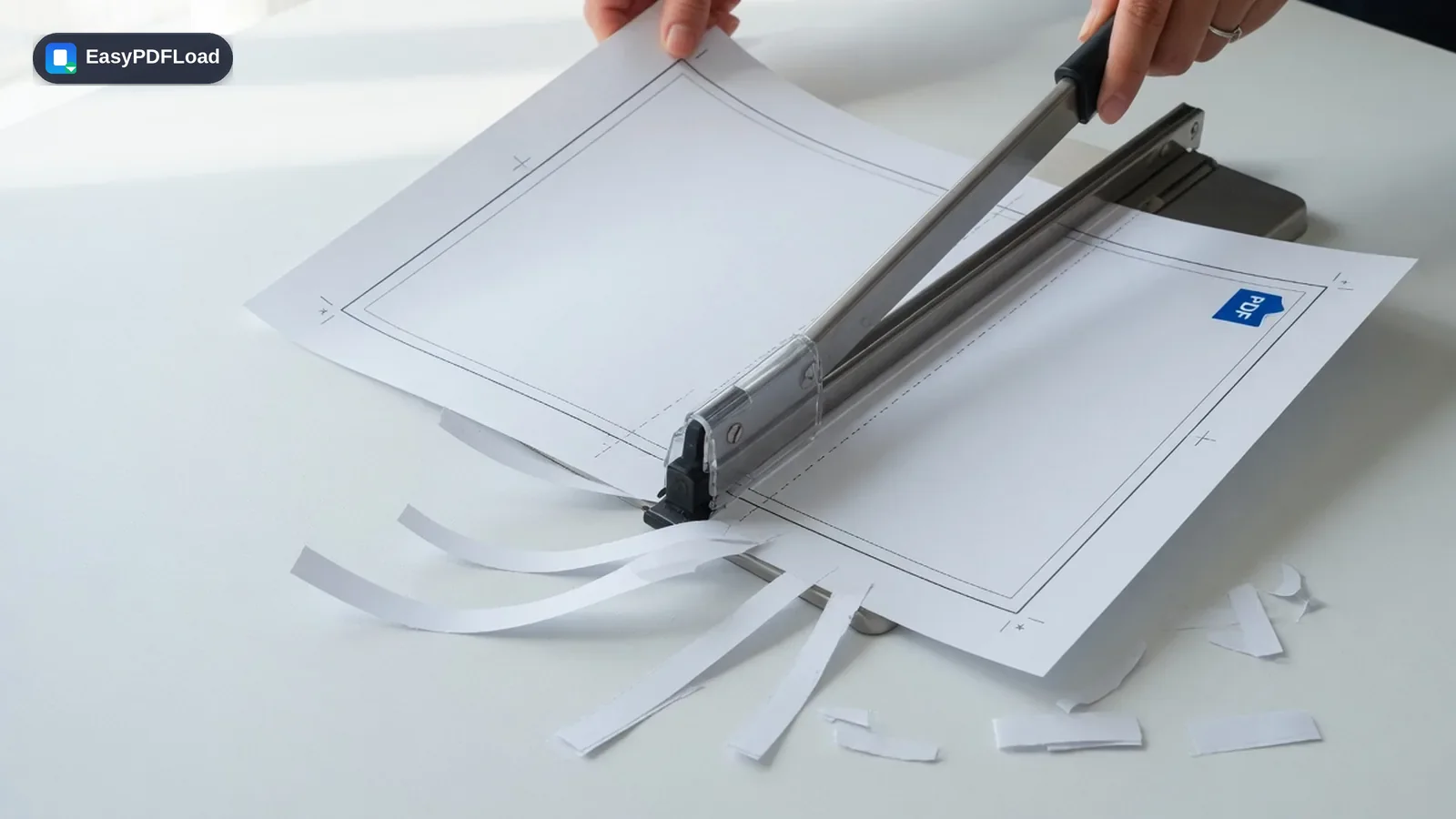
Trim extra white space, scanner edges, or anything you don't want on the page. Draw the area to keep — the rest is dropped from the output file, not just hidden behind a crop box — and everything runs locally in your browser.
Drop your file here, or click to choose
Crop trims the page itself — content outside the box is not in the download.
Editing your PDF with Crop
 1
1Drop the PDF
Drop the PDF you want to crop into the tool — it stays on your device.
 2
2Draw the keep area
Drag on the page preview to set the keep area. Use "Trim 5% margins" for a quick scanner-edge cut, or apply the same crop to every page.
- 3
Apply the crop
Click "Crop PDF" to rebuild each page at the new size.
 4
4Download
Download the cropped PDF instantly.
A real use case
A landlord scans a signed lease on a phone and the PDF has a thick white border plus a bit of table edge on every page. Draw a keep area that cuts the margins, tick "use this crop on every page," and download — the file looks like it was scanned on a flatbed, and the extra pixels are gone rather than merely hidden.
Why edit with Crop in your browser?
- ✂️ Crop PDF online free no signup — trim scanner margins or keep just a region of the page without Adobe.
- 📄 The output page is actually smaller: content outside the box is not in the file, so it can't be "uncropped" in a viewer.
- 🔒 Cropping runs in your browser, so a marked-up contract or ID scan never has to be uploaded just to trim the edges.
- 💸 Free, with no watermark and no page-count cap from us.
What this changes in your file
pdf.js renders a preview so you can draw the keep rectangle in page coordinates. When you crop, pdf-lib embeds only that bounding box from each source page into a new page sized to the crop — a page copy with a clip, not a screenshot. Text inside the keep area stays selectable, and images stay at their original resolution. Content outside the box is not copied into the output, which is why this is a real trim rather than a CropBox you can reset in another editor. The whole pass stays in this tab; there is no upload.
Limits and edge cases
- Password-protected PDFs need to be unlocked first — cropping reads pages directly and can't open an encrypted source. Use Unlock PDF, then crop.
- Very small crop boxes are rejected so you don't accidentally download an empty sliver. If a drag was too small, the 6% inset default is restored.
- Annotations, form fields, and links that sit entirely outside the keep area are not carried over, because only the selected region is embedded.
- Mixed page sizes can share one crop ratio when "use this crop on every page" is on — the rectangle is proportional, not a fixed inch measurement.