Runs in your browser · never uploaded
Free PDF tools that load
in your browser.
Get it done, close the tab.
EasyPDFLoad puts merge, split, compress, convert, sign, and redact directly in this tab. There is no upload queue because there is no upload — your document is processed on the same device it started on.
- No sign-up
- No watermark
- No file leaves this device
easypdfload.com/tools/merge-pdf
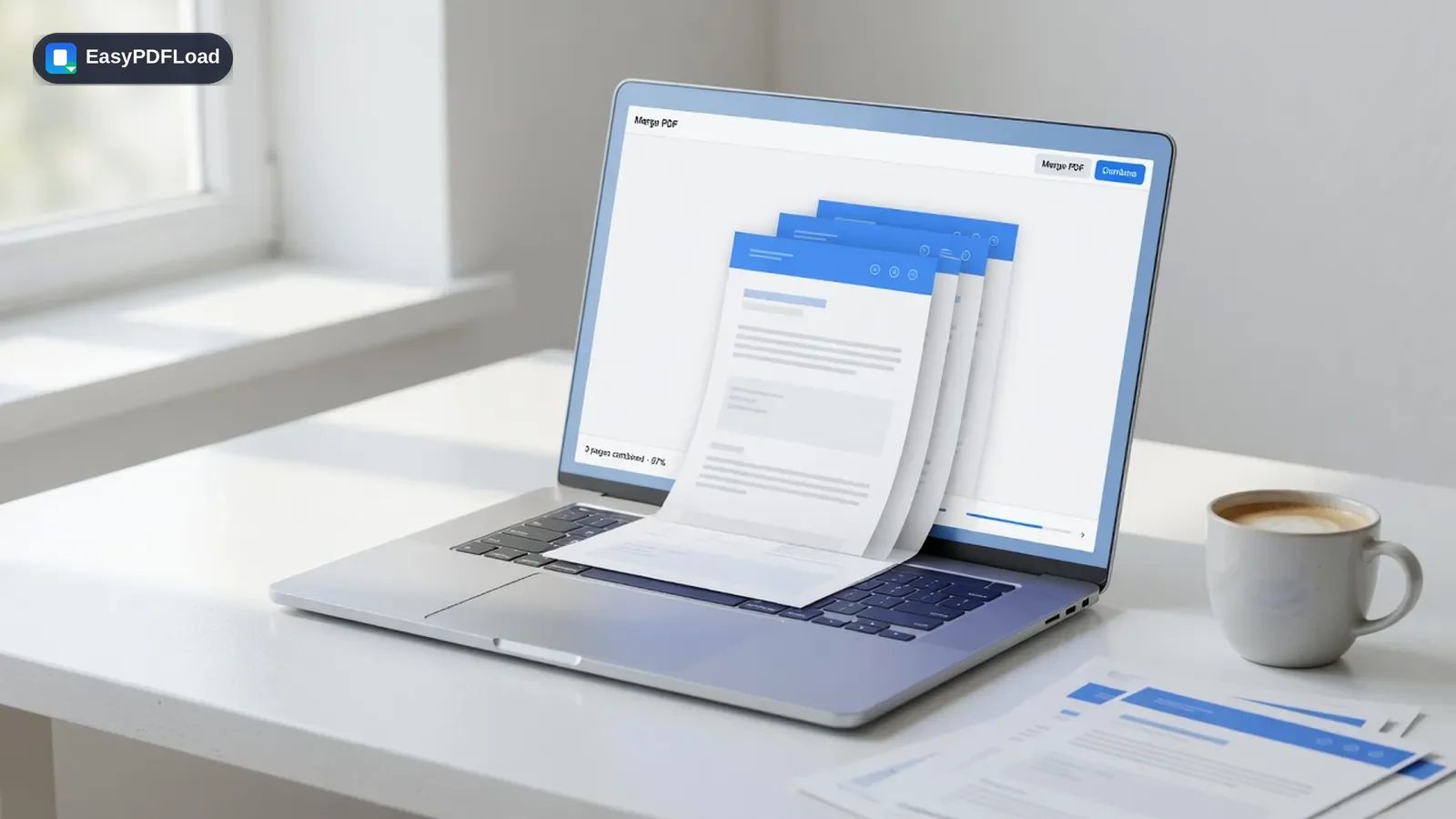
Merge PDF
Drop files, reorder, combine — nothing leaves this tab.
How it works
Three steps. No upload. No account.
You don't need a walkthrough wall of text. Drop a file, the tool runs in this tab, and you download the result.
 1
1Drop the file
Pick a PDF or image from your device. Nothing is sent to a server at this step — or any other.
 2
2It runs in this tab
The tool loads into your browser and processes the document on your device. There is no upload queue.
 3
3Download the result
Save the new PDF instantly. Close the tab and the file is gone from memory — we never had a copy.
See it in action
The tools people open first
Each card is a real task, not a feature list. Open one and the file never leaves your browser.
Merge PDF
Drop files, reorder, combine — nothing leaves this tab.
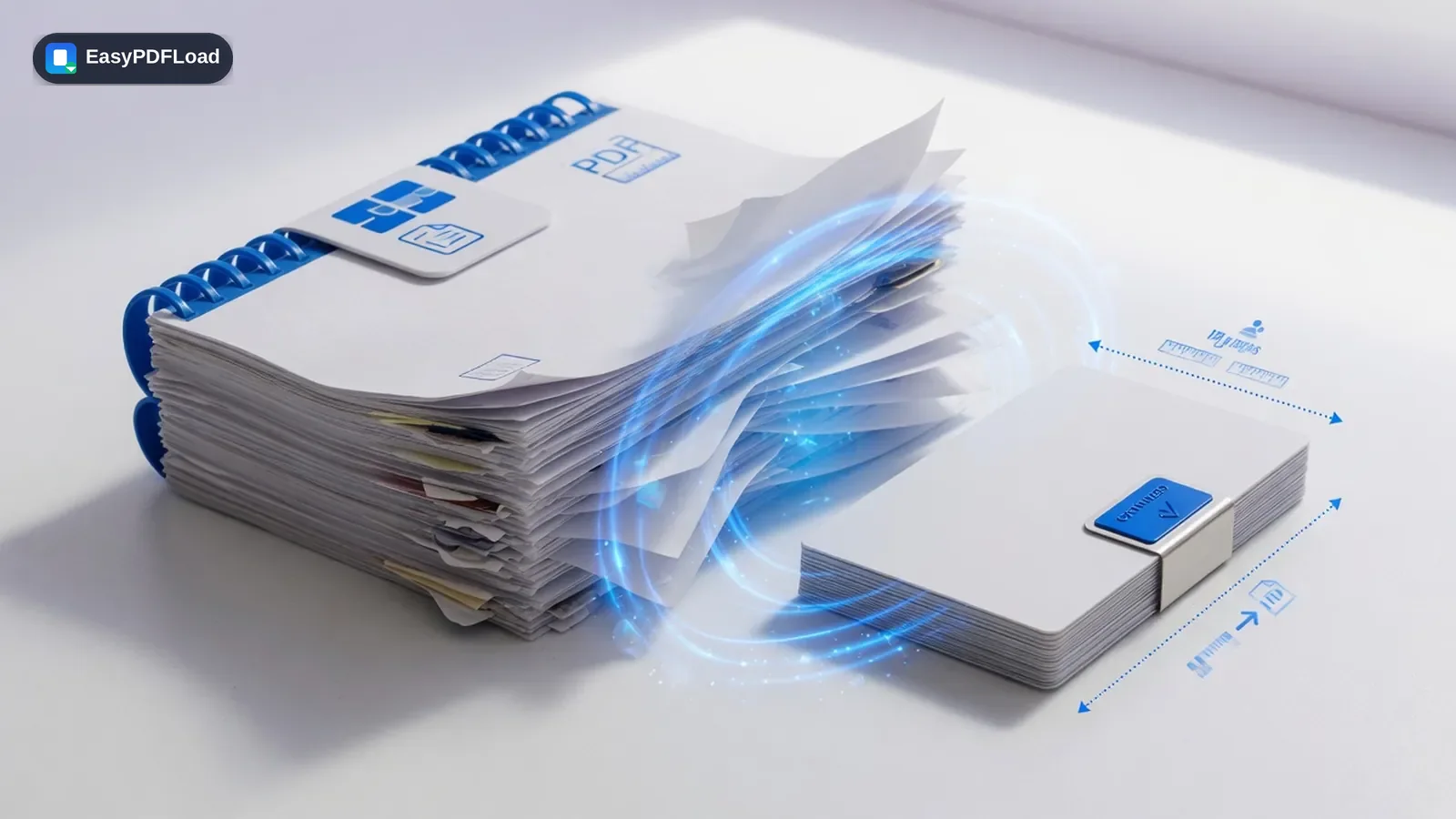
Compress PDF
Shrink a large PDF for email without a quality surprise.
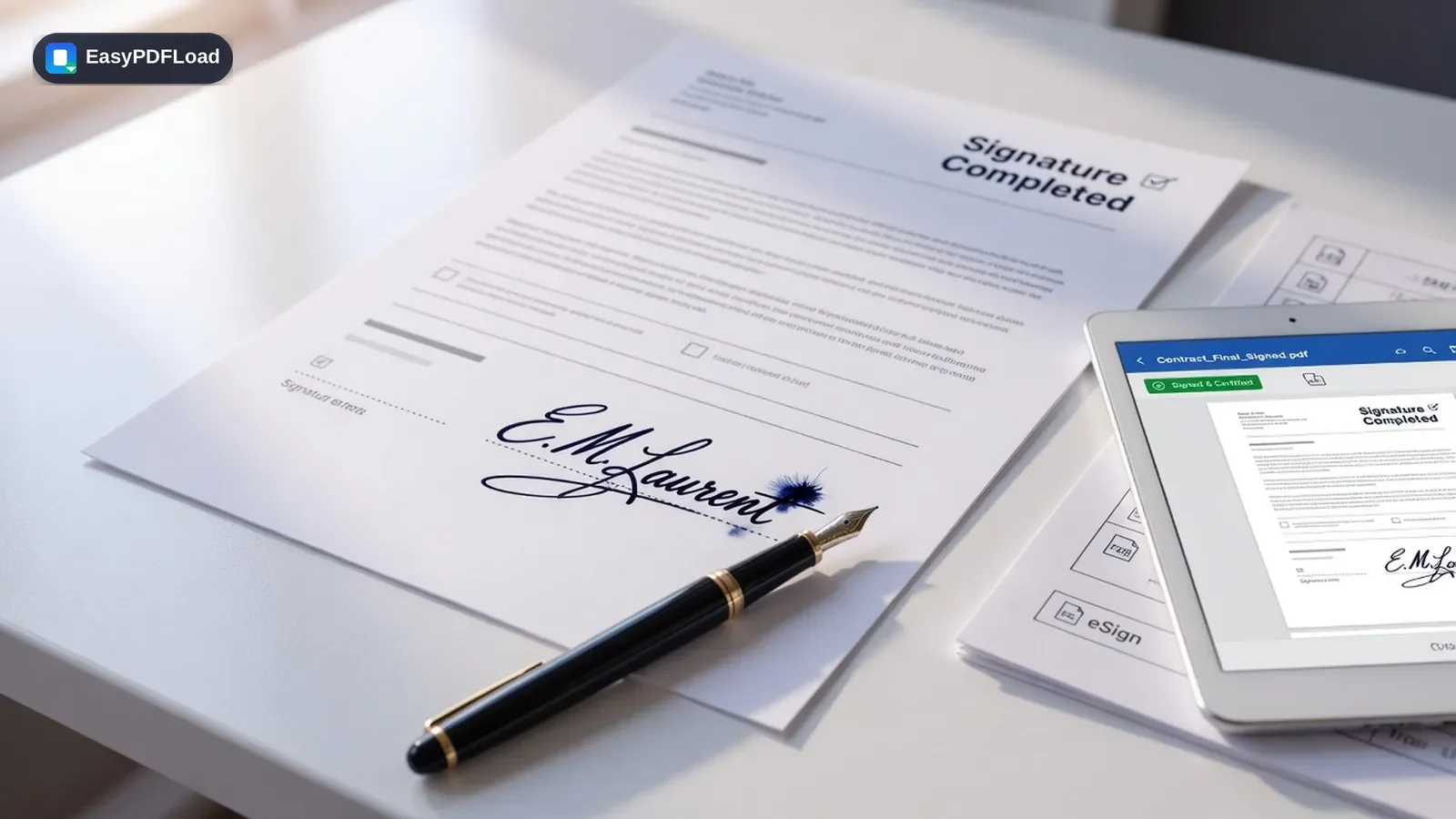
Sign PDF
Draw or type a signature and place it on the page.
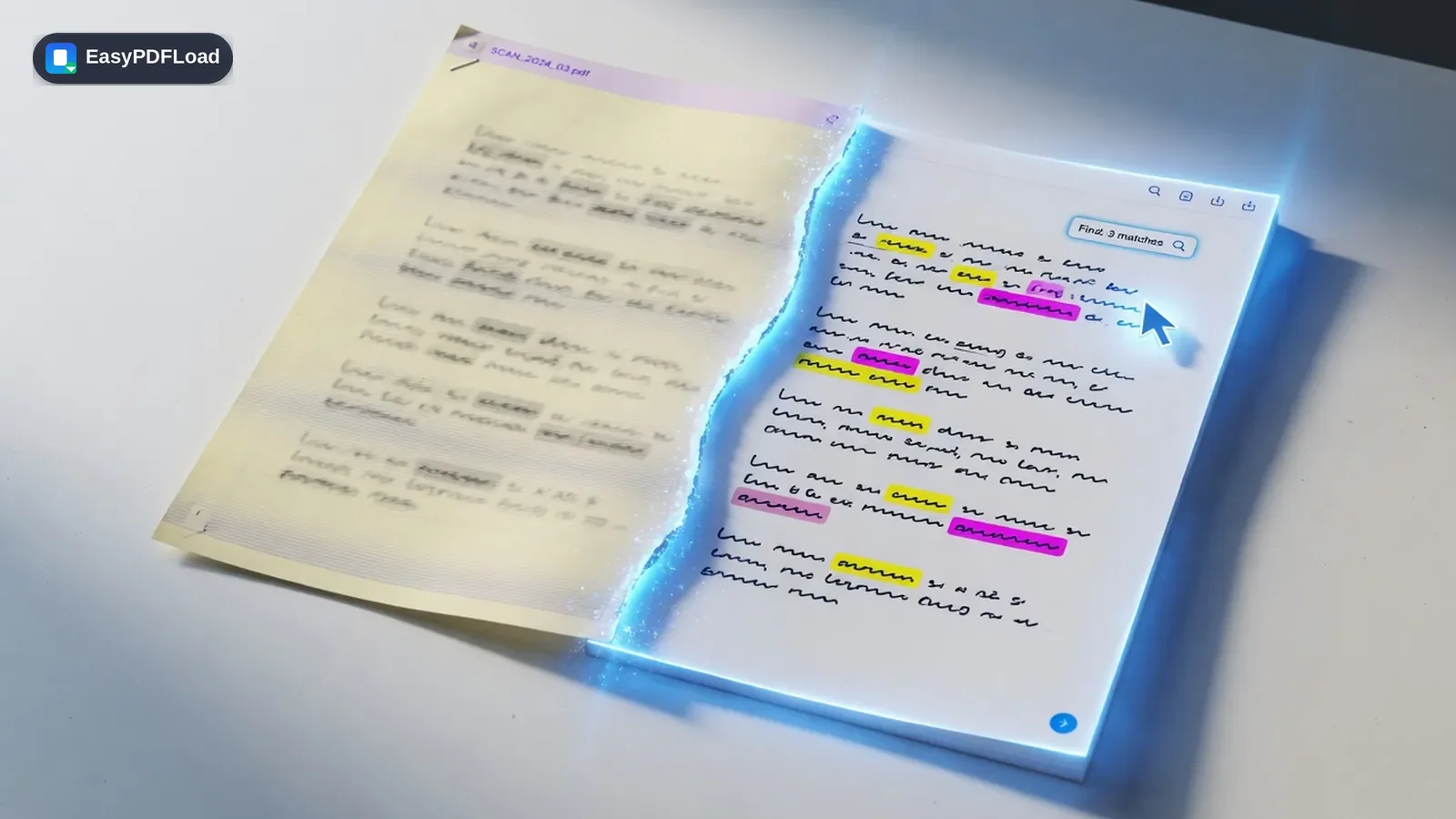
OCR PDF
Turn a scan into searchable, selectable text.
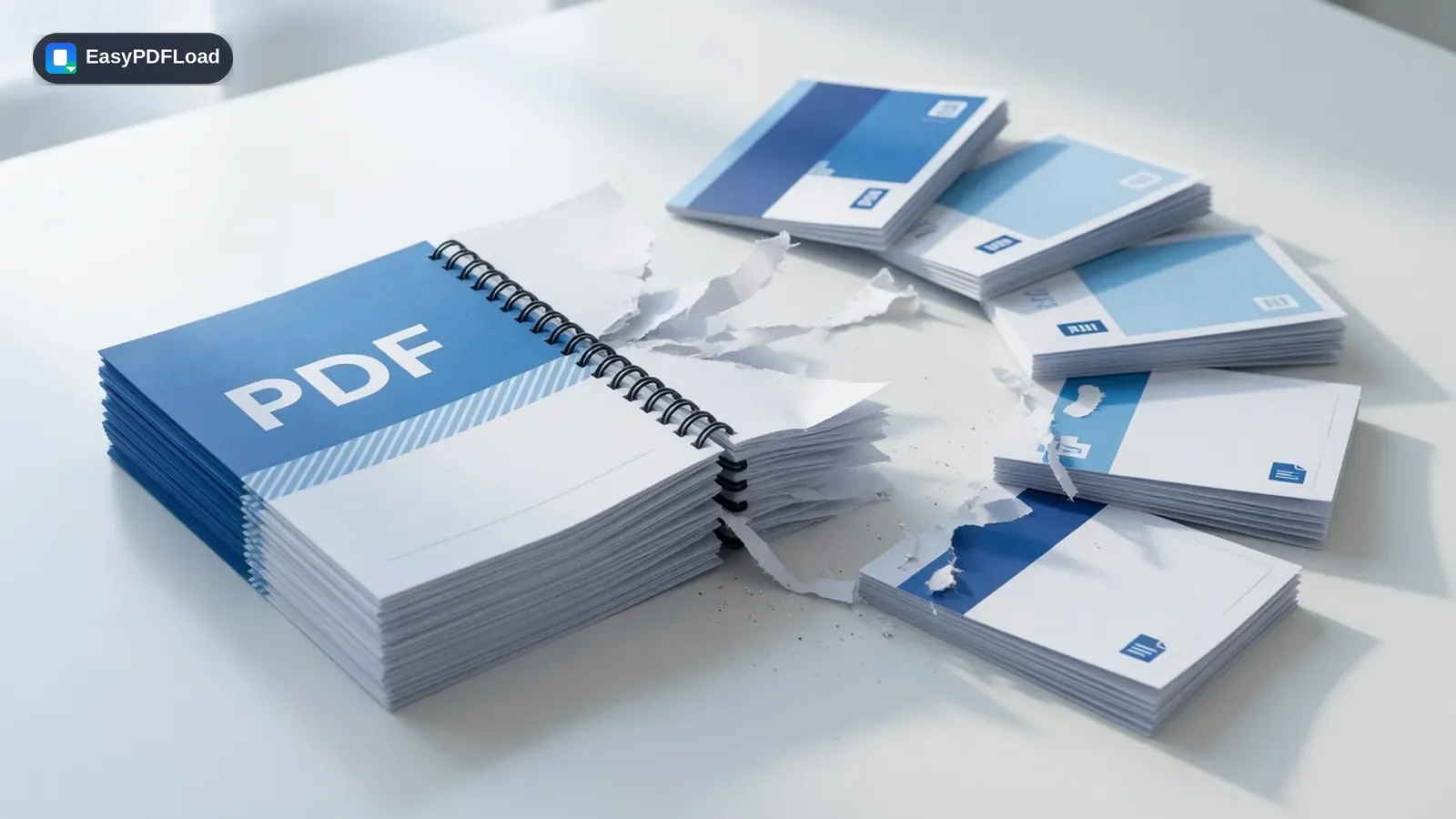
Split PDF
Break a long file into pages or a custom range.
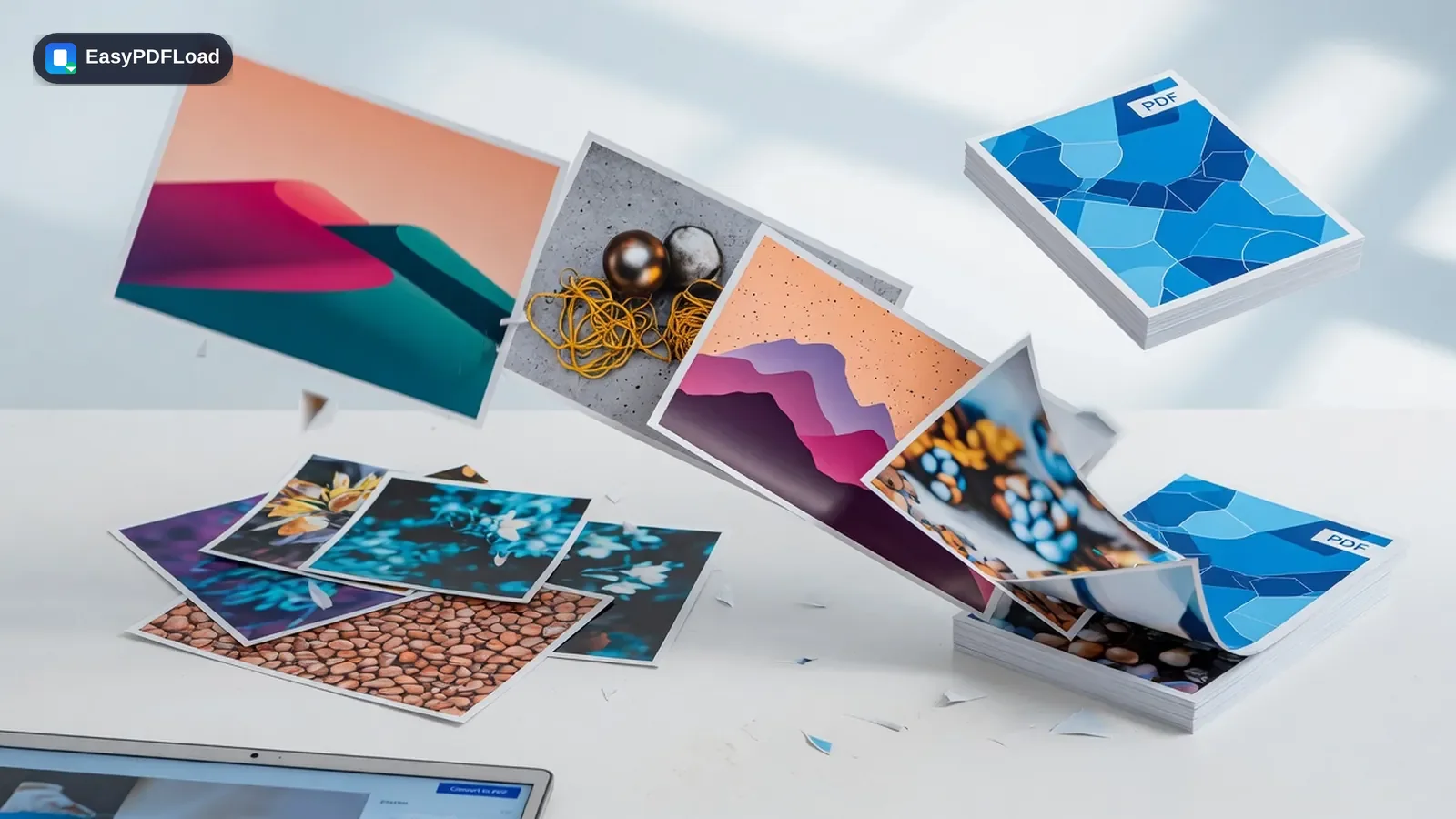
JPG to PDF
Stack photos or scans into one shareable PDF.
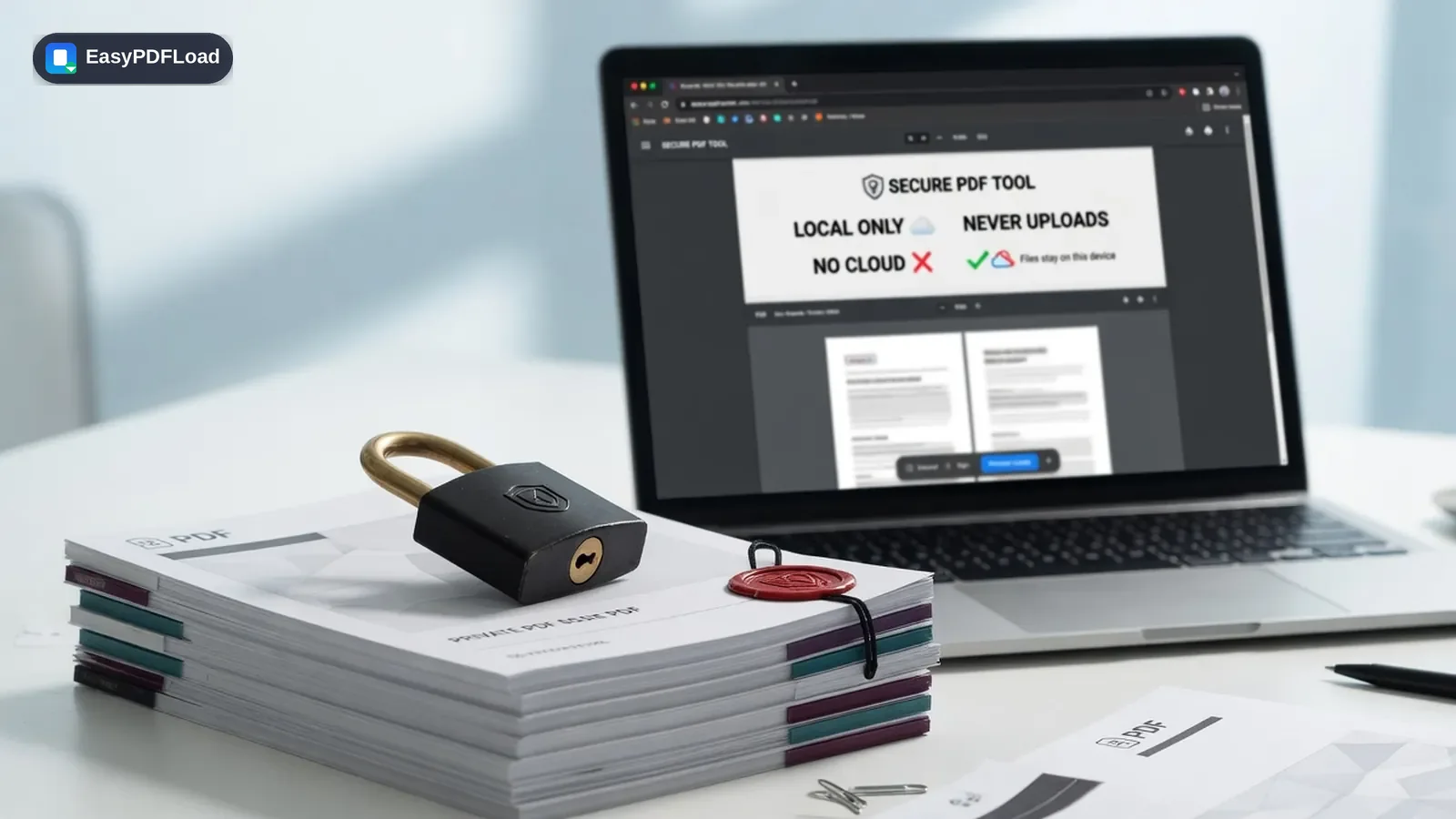
Built so a PDF never has to leave your device
Every tool below is built on the same three principles: nothing leaves your device, nothing costs money, and nothing gets in your way.
Private by design
Files are decoded and rewritten inside your browser tab. There is no server-side upload step to intercept, log, or leak.
Loads and runs instantly
No upload queue, no server round-trip, no waiting room. Pick a file and the result is usually ready in under a second.
Free, with no catch
No sign-up, no subscription, no watermark stamped on your output, and no artificial page-count limit.
Works on any device
Desktop, laptop, tablet, or phone — if it runs a modern browser, it runs every tool on this site.
One tool, one job
Each page does exactly one task well — merge, split, compress, sign — instead of burying the option in a cluttered suite.
Real output quality
Merging, splitting, and reordering never re-encode your pages. Compression and conversion give you explicit quality control.
All PDF Tools
Pick a tool below to get started — everything runs instantly in your browser, grouped by what you're trying to do.
Organize
Combine, split, and rearrange pages without touching a desktop app.Convert
Move between PDF, images, and plain text in a couple of clicks.PDF to JPG
Convert every PDF page into a high-quality JPG image.
JPG to PDF
Combine JPG or PNG images into a single PDF document.
PNG to PDF
Combine one or more PNG images — including transparent screenshots and logos — into a single PDF.
OCR PDF
Make a scanned PDF searchable, or pull its text out entirely, using OCR that runs in your browser.
PDF to Text
Extract selectable text from a PDF into a plain .txt file.
Edit
Number, stamp, rotate, or trim pages before you send a document out.Rotate PDF
Rotate PDF pages 90, 180 or 270 degrees, individually or all at once.
Delete PDF Pages
Remove unwanted pages from a PDF document.
Extract PDF Pages
Pull specific pages out of a PDF into a new document.
Reorder PDF Pages
Rearrange PDF pages into a new order by dragging thumbnails.
Add Page Numbers
Insert page numbers into a PDF with custom position and style.
Add Watermark
Stamp a text watermark across every page of a PDF.
Crop PDF
Trim PDF page margins or keep just a region of each page.
Sign
Sign documents and fill out PDF forms without printing anything.Optimize
Shrink file size for email and upload limits without losing quality.Security
Lock down, unlock, or redact a PDF's contents and permissions.Guides & how-tos
View all guides →Practical, plain-language walkthroughs for the PDF tasks people search for most.
How to Merge PDF Files (and Join Them) Without Uploading
Combine or join PDF files in your browser in four steps. Works on Windows, Mac, and iPhone — files stay on your device, no Adobe, no sign-up.
3 min read
How to Reduce PDF File Size Without Losing Quality (2026)
Shrink a PDF 50–90% without wrecking text. Use Recommended compression in your browser — no upload — so scans stay readable under Gmail’s 25 MB limit.
3 min read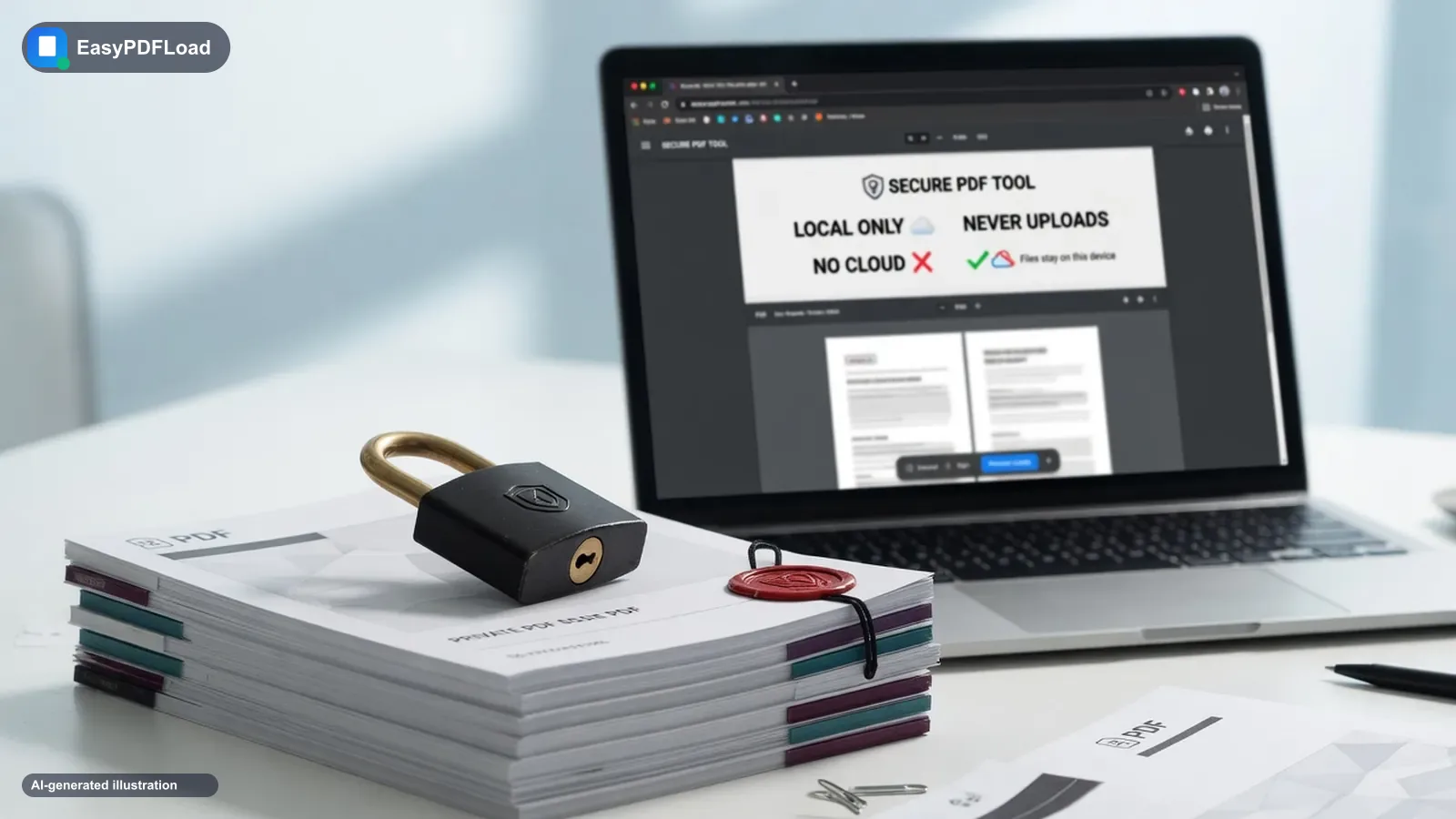
Is It Safe to Convert a PDF Online? What Actually Matters
Converting a PDF online is only as safe as whether the file is uploaded. Here is how to tell, what the 2025 FBI warning was about, and a private alternative.
2 min readIs Online2PDF Safe? Legit Site, But It Still Uploads Your File
Online2PDF is a long-running converter, not a scam. It still uploads your PDF to a server. Here is what their policy says, and a no-upload alternative.
2 min read
“No Sign-Up” Isn’t the Same as “No Upload” — Here’s How to Check
Free PDF tools that advertise no sign-up do not always mean no upload. Here is a two-minute way to check any tool yourself.
4 min readDoes iLovePDF Steal Your Data? What Their Policy Actually Says
iLovePDF isn't stealing your data — but it does upload and store your file. Here's the real retention window from their own policy, and when that's fine.
5 min read