Reorder PDF Pages
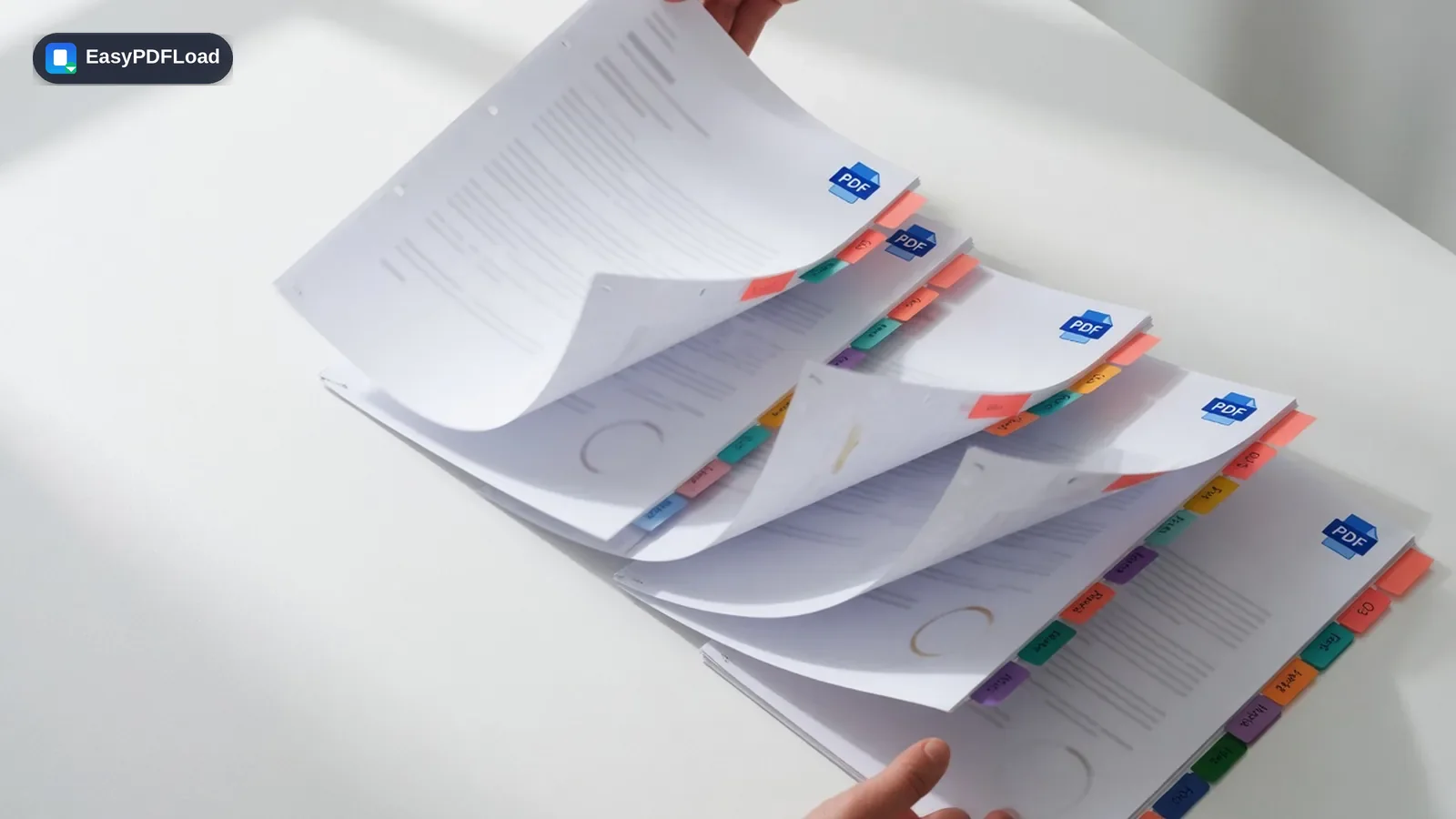
Drag and drop page thumbnails to put your PDF's pages in exactly the order you need, then export a newly organized document.
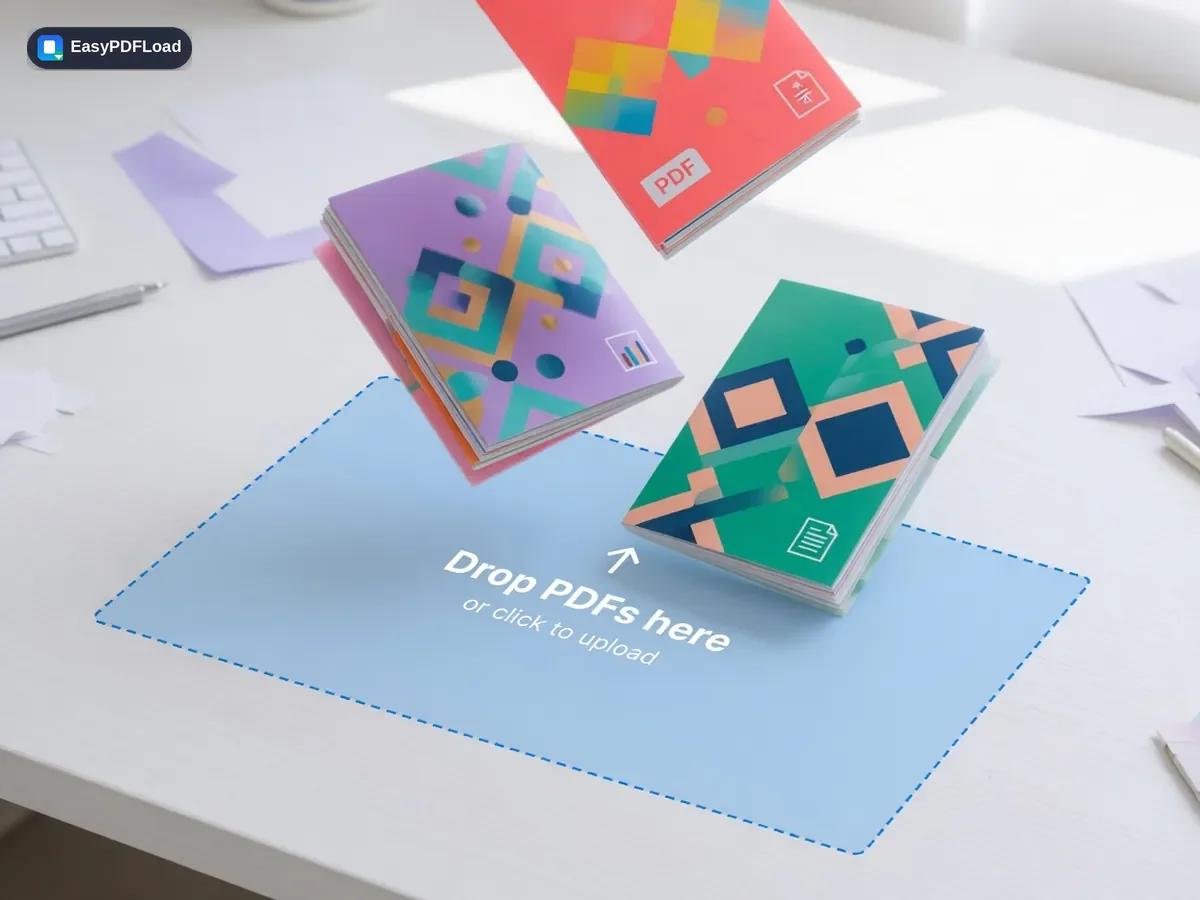
Drop your file here, or click to choose
Editing your PDF with Reorder Pages
 1
1Drop the PDF
Drop the PDF file you want to reorganize into the tool — it stays on your device.
 2
2Drag pages into place
Drag the page thumbnails into your preferred order.
- 3
Save the order
Click "Save New Order".
 4
4Download
Download the reorganized PDF.
A real use case
A double-sided document scanned on a single-sided scanner comes out with all the odd pages first, then all the even pages in reverse. Open Reorder PDF Pages, drag the thumbnails into the correct 1-2-3-4 sequence by eye, and download a document that reads in order — no need to re-scan with different settings.
Why edit with Reorder Pages in your browser?
- 🔀 Fix a PDF page order after a scanner feeds pages out of sequence, or move an appendix to the back where it belongs.
- 🖱️ Drag-and-drop thumbnails give you a visual layout of the whole document, not a page-number form to fill in blind.
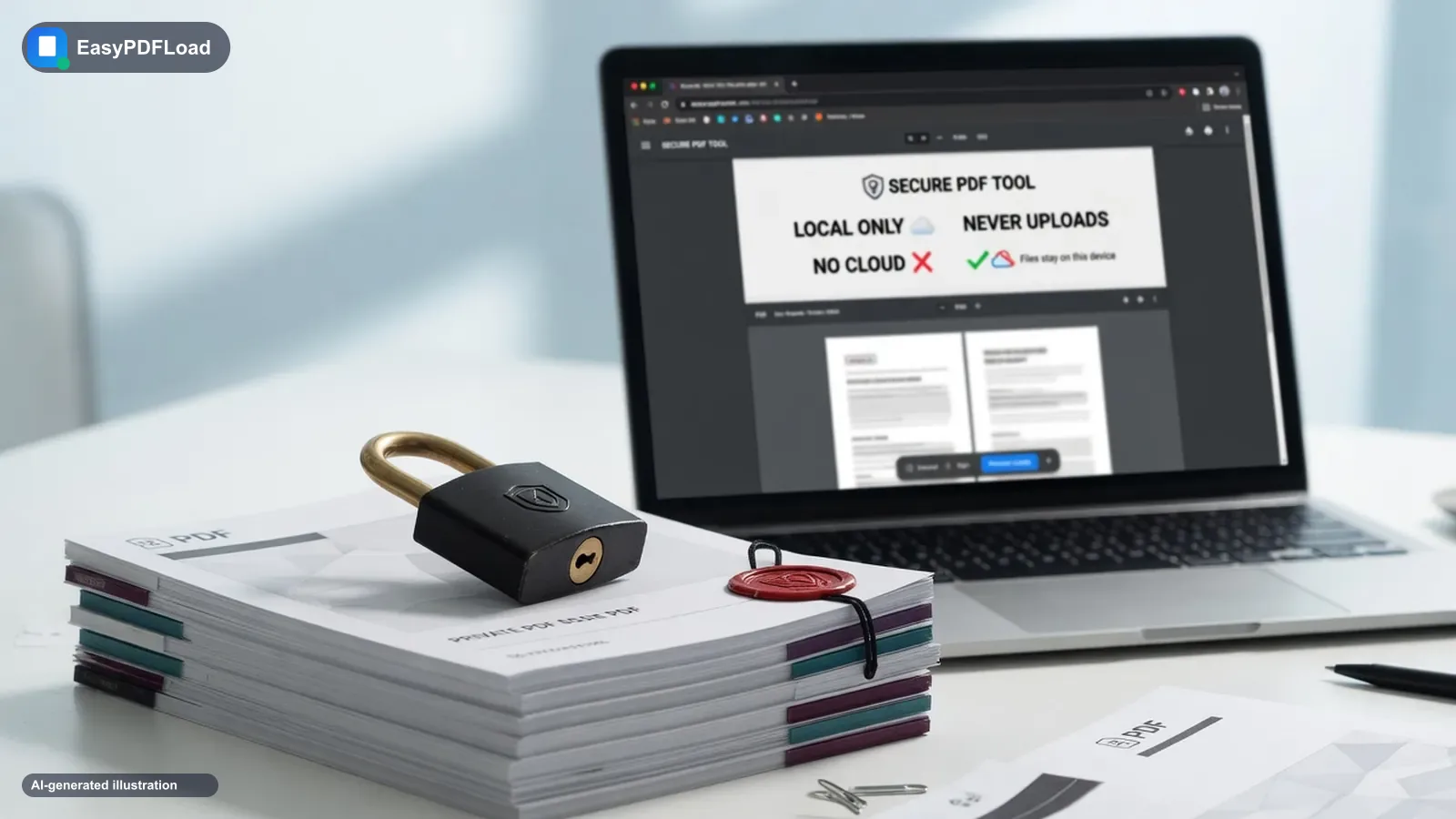
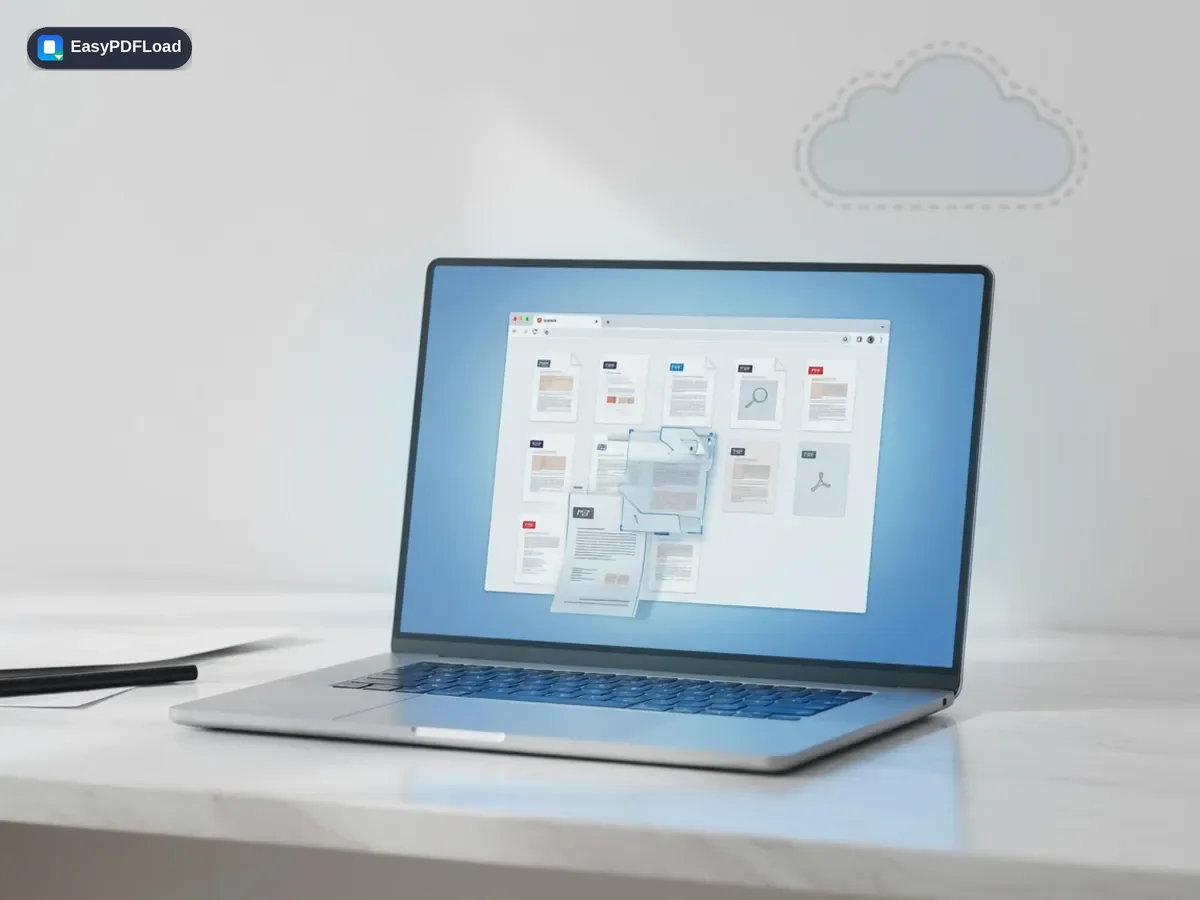
- 🔒 Reordering happens locally, so the document never leaves your device just to change its page sequence.
- 💸 No sign-up, no watermark, and no cap on how many pages you can rearrange.
What this changes in your file
pdf-lib copies every page from your file into a new document in the exact sequence you dragged them into, in this browser tab — each page transfers as a complete object, the same page-copy approach used across the other organizing tools, so nothing is re-rendered or recompressed. The reordered file is built entirely in memory and handed to your browser's download manager, with no upload step involved.
Limits and edge cases
- Reordering changes page sequence only — it doesn't renumber printed page-number stamps that already exist on the pages themselves, since those are static content rather than a live field.
- A password-protected PDF must be unlocked first, since dragging pages into a new order requires reading the source file directly.
- There's no automatic "detect and fix" for common scan patterns like odd-then-even; you drag pages into place visually rather than picking a preset pattern.
- Very long documents are limited by your device's memory, since the whole file and its thumbnails are held in your browser tab while you reorder.