OCR a Scanned PDF
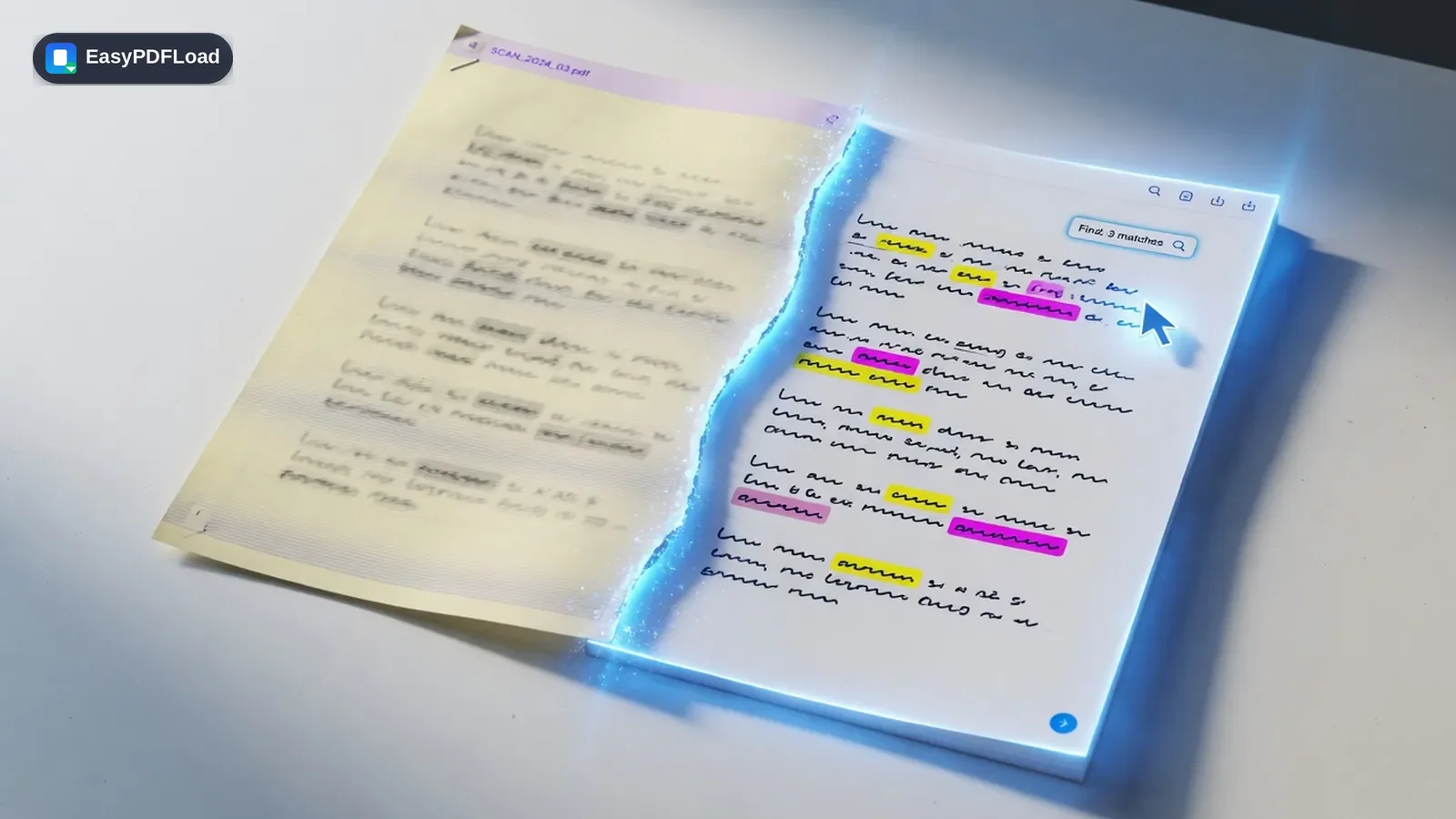
Turn a scanned document into a searchable PDF, or pull out the raw text, using an OCR engine that runs entirely on your device. Most "free" OCR tools upload your scan to a server to read it — this one doesn't have to.
Drop your file here, or click to choose
Why convert with OCR instead of desktop software?
- 🔎 Runs OCR entirely in your browser using WebAssembly — your scanned document is never uploaded to a server to be read, unlike most free OCR tools.
- 📄 Choose a searchable PDF (keeps the original scanned image, adds an invisible text layer you can select and search) or a plain .txt file if you just need the words.
- 🕐 Honest about the trade-off: in-browser OCR is genuinely slower than a server farm, especially on long or low-quality scans — but nothing about your document leaves your device to get there.
- 💸 Free, with no page limit imposed by us and no watermark on the output.
Converting with OCR, step by step
 1
1Drop the scan
Drop the scanned PDF you want to make searchable into the tool — it stays on your device.
 2
2Choose searchable PDF or text
Choose whether you want a searchable PDF (keeps the original look, adds selectable text) or just a plain text file.
- 3
Run OCR
Click "Run OCR" and wait while each page is read — larger or multi-page scans take longer since your device is doing the work.
 4
4Download
Download the result: a searchable PDF or a .txt file, depending on what you chose.
Where this comes up
A researcher has a 15-page journal article they only have as a flatbed-scanned PDF, and they need to quote a paragraph from page 9 without retyping it by hand. Run OCR and choose "extract text," then copy the quoted paragraph straight out of the resulting .txt file instead of transcribing it word by word.
How the conversion actually works
This tool loads Tesseract.js — an OCR engine compiled to WebAssembly — directly in your browser tab, along with the language data it needs, both downloaded once and cached locally. Each page of your scan is rendered to a canvas, fed to the WebAssembly engine, and read entirely on your device's CPU; no page image or extracted text is ever sent to a server to be recognized. Depending on your choice, the result is either the original scanned page images with an invisible, selectable text layer added (a searchable PDF) or a plain .txt file of everything recognized.
What to know before you convert
- Runs meaningfully slower than a server-side OCR service, since your device — not a server farm — does the recognition work; long or many-page scans can take a while.
- Accuracy depends on scan quality: clear, high-resolution, upright printed text reads well, while handwriting, skewed pages, or low-resolution phone photos produce more recognition errors.
- The first run downloads the OCR engine and language data (a few megabytes) before it can start — after that, it's cached in your browser for faster repeat use.
- A password-protected PDF must be unlocked first, since rendering pages for recognition requires opening the file directly.
What OCR can't read reliably — check before you trust the output
Handwriting
This engine is trained on printed text. Cursive or handwritten notes will produce garbled or missing output, not a best-effort transcription.
Skewed or rotated pages
A page scanned even slightly crooked reads worse than a straight one — rotate it first with Rotate PDF if a scan came in sideways.
Low-resolution or low-contrast photos
A phone photo taken at an angle, in poor light, or heavily compressed loses the character detail OCR needs — a flatbed scan reads far more accurately.
Languages other than English
This tool currently loads only the English language model. Text in other languages will be recognized poorly or not at all.
Complex tables and multi-column layouts
OCR reads left-to-right, top-to-bottom text well, but a table's structure (which cell belongs to which row) is not preserved — expect the words, not the layout.
Watermarked or low-contrast text
Text overlapping a watermark, stamp, or a light background color is harder to separate from the page than clean black-on-white text.