Add Page Numbers to a PDF
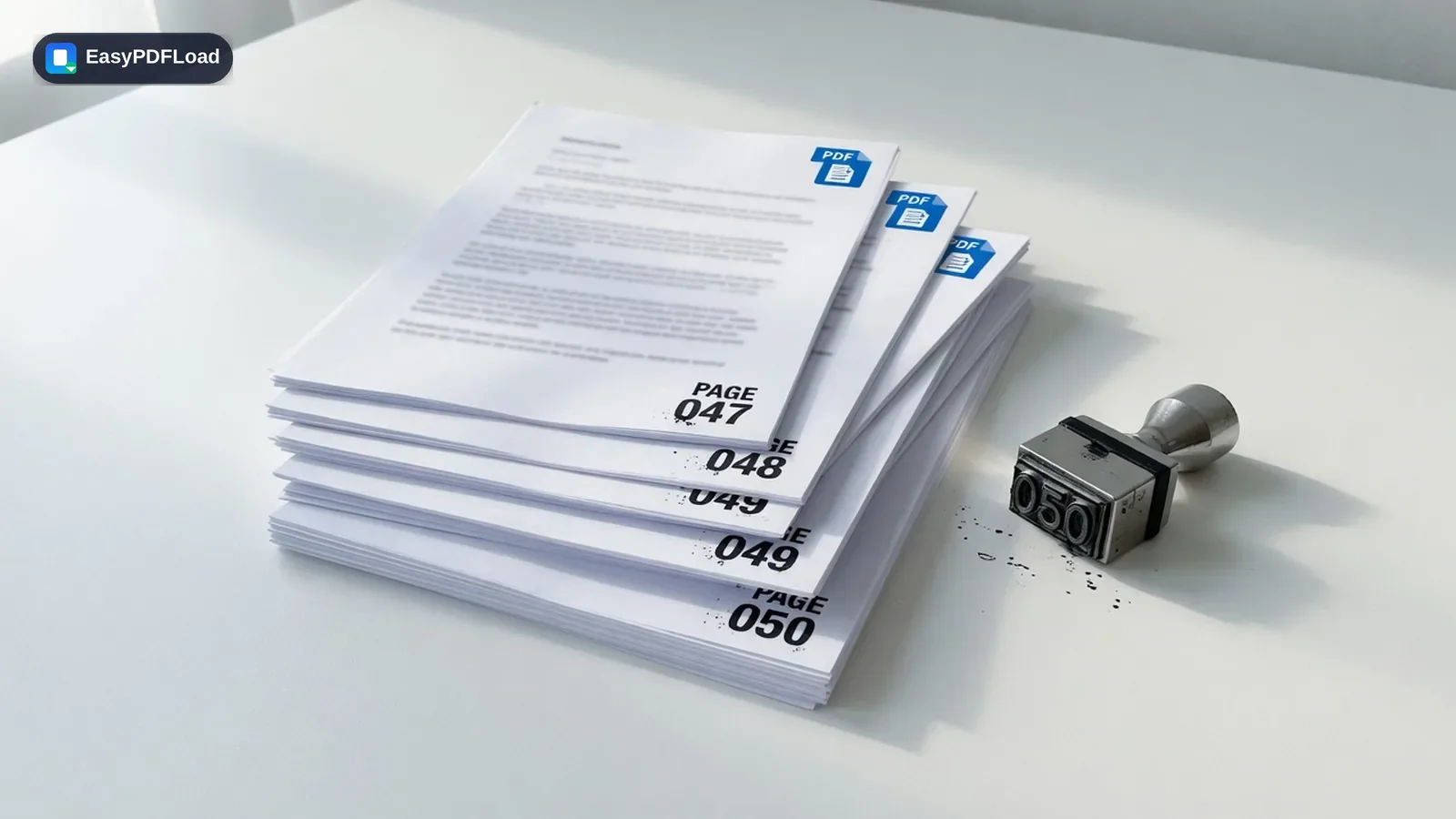
Insert page numbers anywhere on the page — bottom center, bottom right, top corners — with a custom starting number and format.
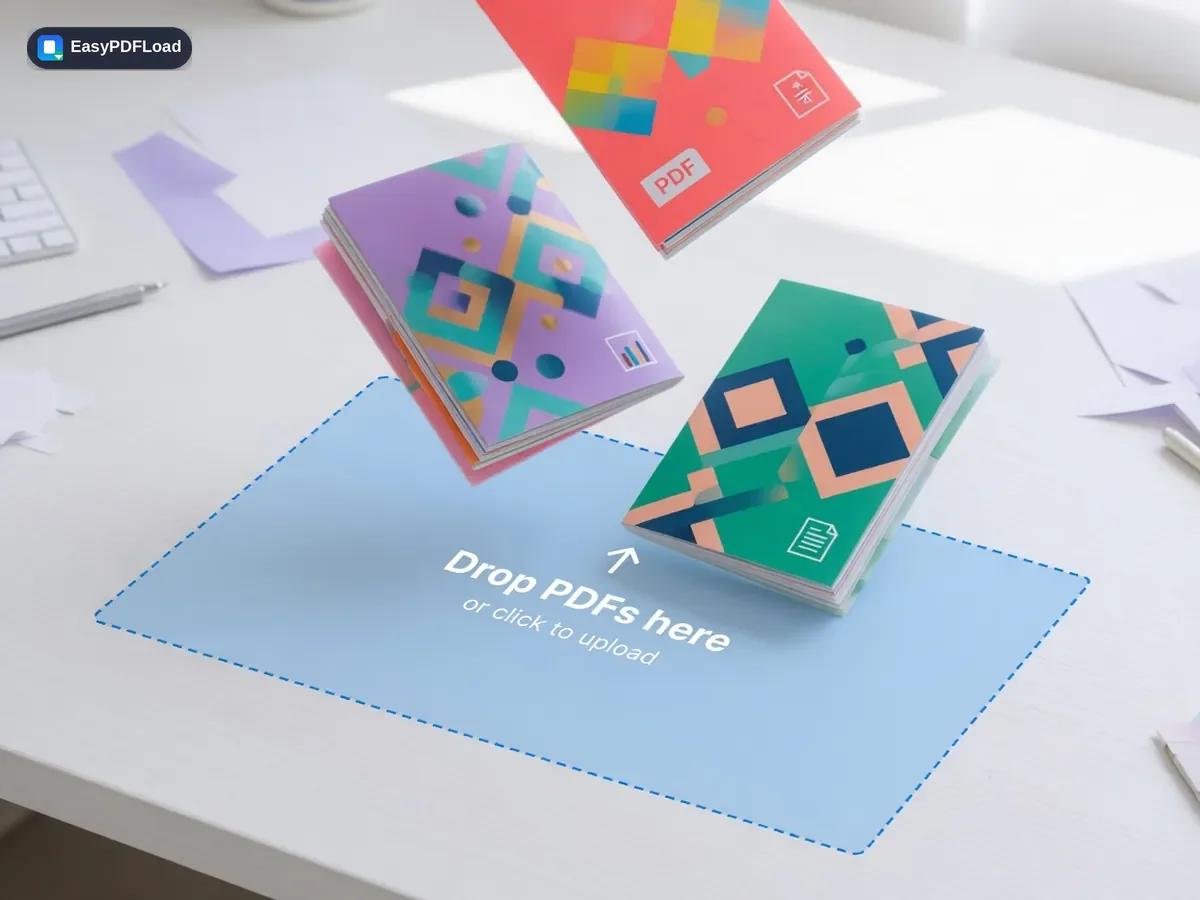
Drop your file here, or click to choose
Editing your PDF with Page Numbers
 1
1Drop the PDF
Drop the PDF you want to number into the tool — it stays on your device.
 2
2Choose position & start
Choose the position, starting number, and font size.
- 3
Preview
Preview the result on the page thumbnails.
 4
4Download
Click "Add Page Numbers" and download your file.
A real use case
A student's 60-page thesis draft needs page numbers starting at 1 on the introduction, with the title page and table of contents left unnumbered. Set the starting page and starting number in Add Page Numbers, preview the bottom-center placement on a few thumbnails, and download a properly numbered draft ready for a supervisor's review.
Why edit with Page Numbers in your browser?
- 🔢 Number the pages of a report, thesis, or contract before printing or filing it, with the position and style you choose.
- 🎯 Start counting from any number and skip a cover page, so front matter doesn't throw off your numbering.
- 🔒 Page numbers are stamped on-device — the document isn't uploaded just to add numbering.
- 💸 Free, with no watermark added alongside the page numbers.
What this changes in your file
pdf-lib draws each page number as a text element directly onto the existing page content, in the position, font size, and starting number you chose — this happens page by page in this browser tab, using the same drawText operation a PDF editor uses to add text, not an image overlay. The rest of each page's content is untouched. The numbered document is assembled in memory and handed to your browser's download prompt without a network request carrying your file.
Limits and edge cases
- Page numbers are stamped as new text on top of the existing page — they aren't a live, updating page-number field, so inserting or deleting pages afterward won't renumber them automatically.
- A password-protected PDF needs to be unlocked first, since stamping text requires writing to each page directly.
- Font choice for the numbers is fixed to the tool's built-in style; it doesn't match your document's original font automatically.
- Numbering very long documents (many hundreds of pages) is limited by your device's memory rather than by a cap the tool enforces.