Redact a PDF
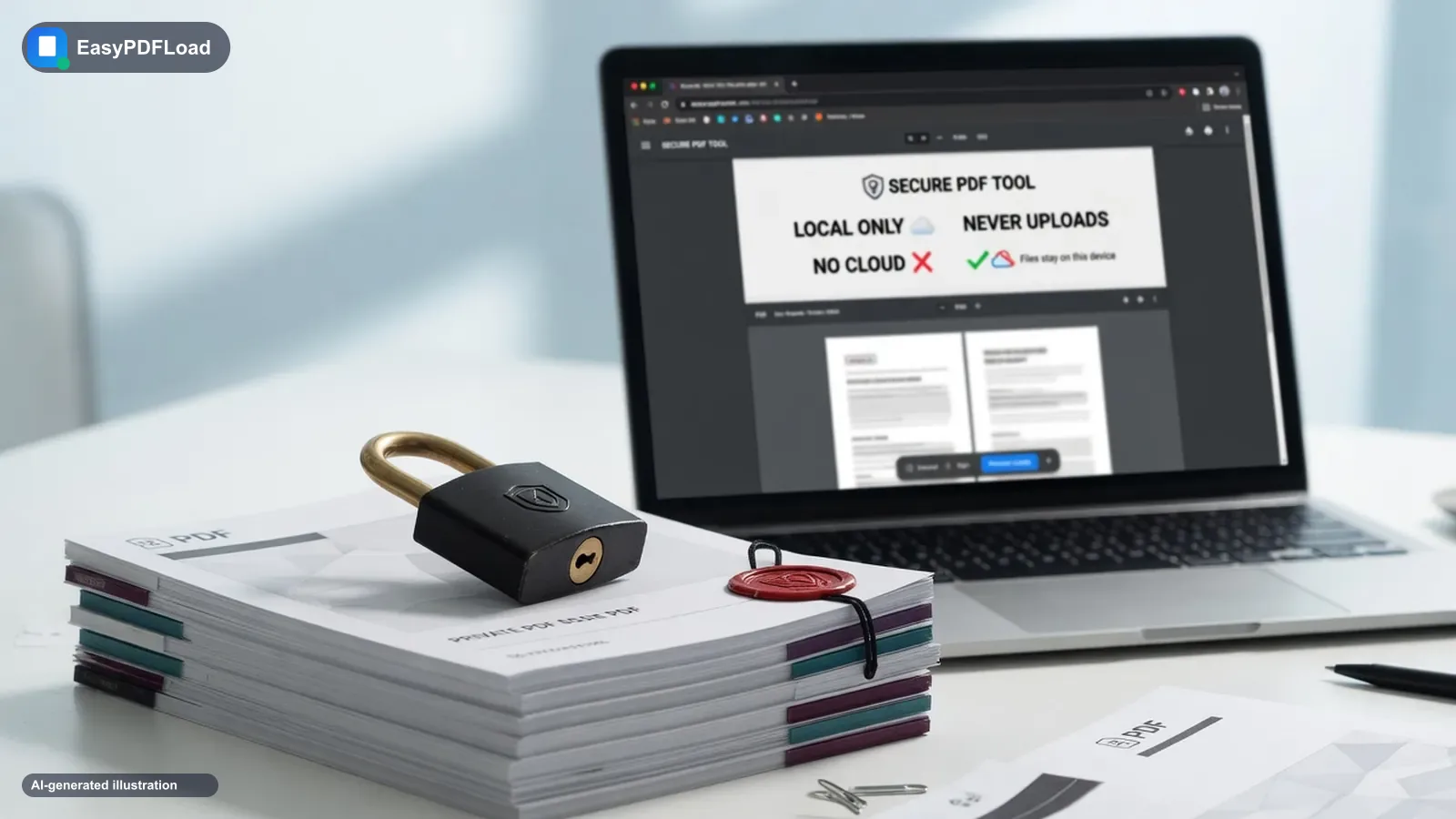
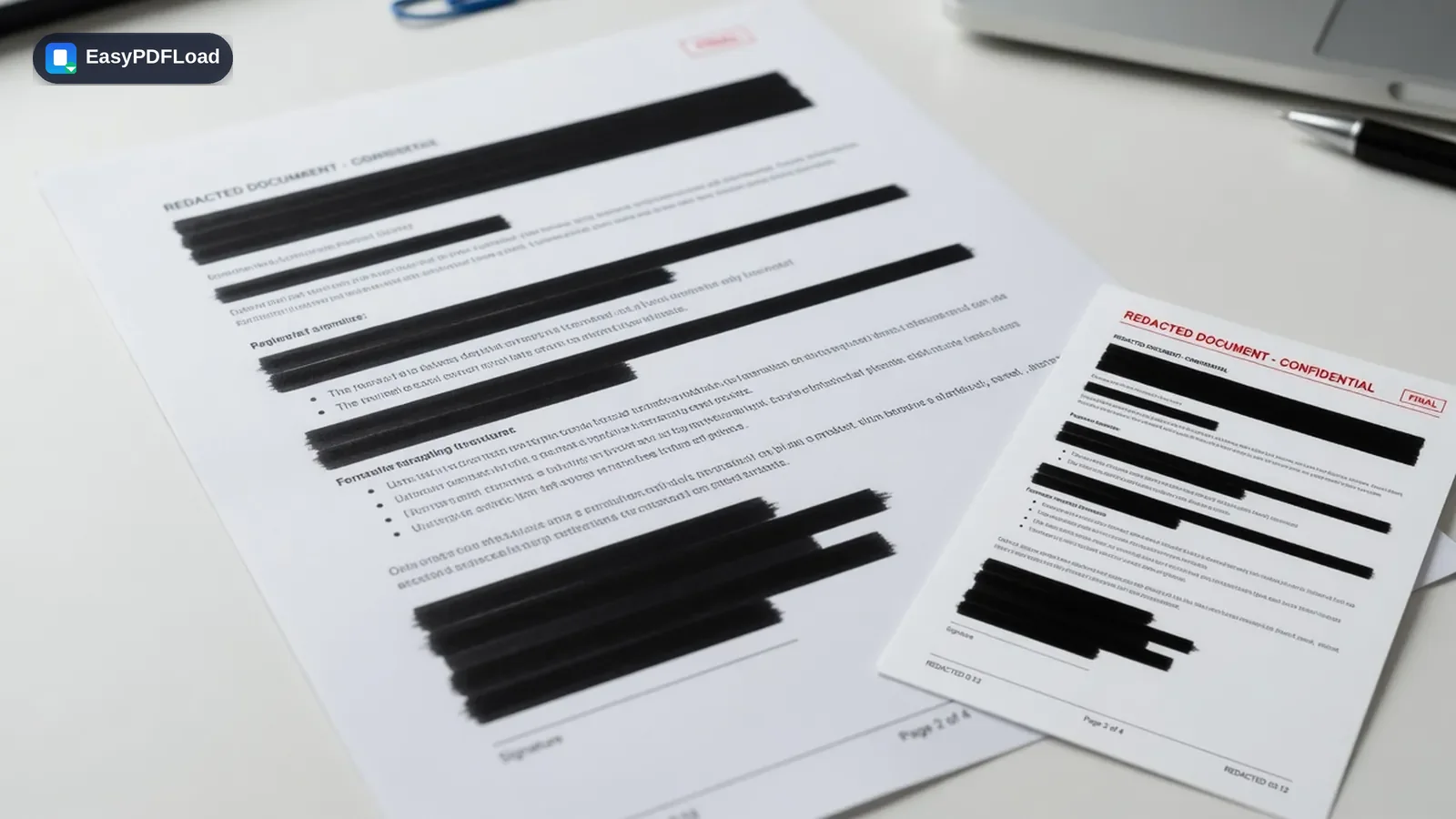
Black out account numbers, names, or any sensitive content before sharing a PDF. Unlike a black rectangle drawn over the top, this tool rebuilds the page as an image so the covered content can't be recovered by removing a layer — and everything happens locally in your browser.
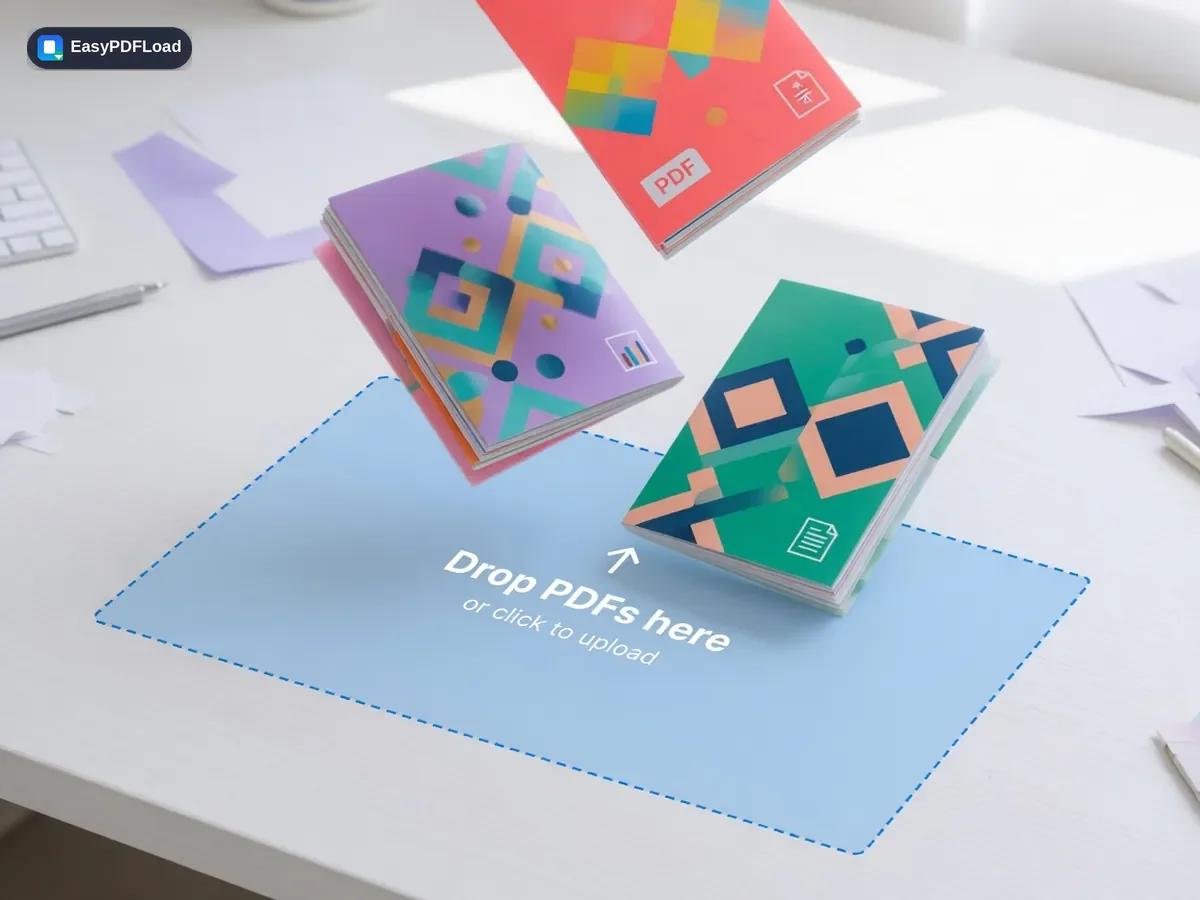
Drop your file here, or click to choose
What happens to your file and your password
Each page is rendered to a canvas using pdf.js — the same rendering engine that displays a PDF's pages — and your redaction boxes are drawn directly onto that canvas as opaque rectangles. The canvas, box and all, is then re-encoded as a flattened image and rebuilt into a new PDF page with pdf-lib, which is why the original text underneath a box is genuinely discarded rather than hidden behind a movable object. All rendering, drawing, and rebuilding happens in this browser tab; the source document is never uploaded to be redacted.
How to redact pdf
 1
1Drop the PDF
Drop the PDF you want to redact into the tool — it stays on your device.
 2
2Draw black-out boxes
For each page that needs it, draw a box over every piece of text or image you want removed.
- 3
Review every page
Review your redaction boxes across all pages before continuing.
 4
4Download
Click "Redact PDF" and download the redacted file.
Why trust Redact with sensitive files?
- ⬛ Redact PDF online free without uploading a document that might contain account numbers, names, or medical details.
- 🔒 Redacted pages are rebuilt as flattened images, so the black boxes can't be deleted or the text underneath copy-pasted out — a real difference from PDFs where redaction is just a black rectangle on top.
- 🖱️ Draw redaction boxes visually, page by page, instead of guessing coordinates.
- 💸 Free, with no signup and no limit on how many pages or boxes you redact.
A real use case
A clinic needs to share a patient's PDF chart with an outside specialist but must first black out the patient's insurance ID and home address, which appear on three different pages. Draw a redaction box over each field, review all three pages before finishing, and download a version where those fields are genuinely gone — not just covered by a rectangle a recipient could remove.
Limits and edge cases
- Because redacted pages are flattened to images, text on those pages is no longer selectable, searchable, or copyable — a deliberate trade-off for guaranteeing the covered content is actually gone.
- File size can increase after redaction, since flattened image pages are typically larger than the original vector text and graphics they replace.
- A password-protected PDF needs to be unlocked first, since rendering pages for redaction requires opening the file directly.
- Redaction boxes are rectangles you draw manually — there's no automatic detection of names, numbers, or other sensitive patterns, so reviewing every page yourself before finishing matters.
Before you send a redacted file, check these
Every page with sensitive content has a box, not just the obvious one
A name or account number often repeats in a header, footer, or a second reference later in the document — scroll every page, not just the first mention.
Boxes fully cover the text or image, edge to edge
A box that's a few pixels short can leave a sliver of a digit or letter visible once the page is flattened — err on the side of a slightly larger box.
You're sharing the redacted download, not the original file
It's an easy mix-up when both files sit in the same downloads folder — rename the redacted copy clearly before sending it.
You checked whether the same information appears elsewhere in your files
Redaction only changes this document. If the same sensitive detail lives in an email thread or another attachment, it's still exposed there.