Unlock a Password-Protected PDF
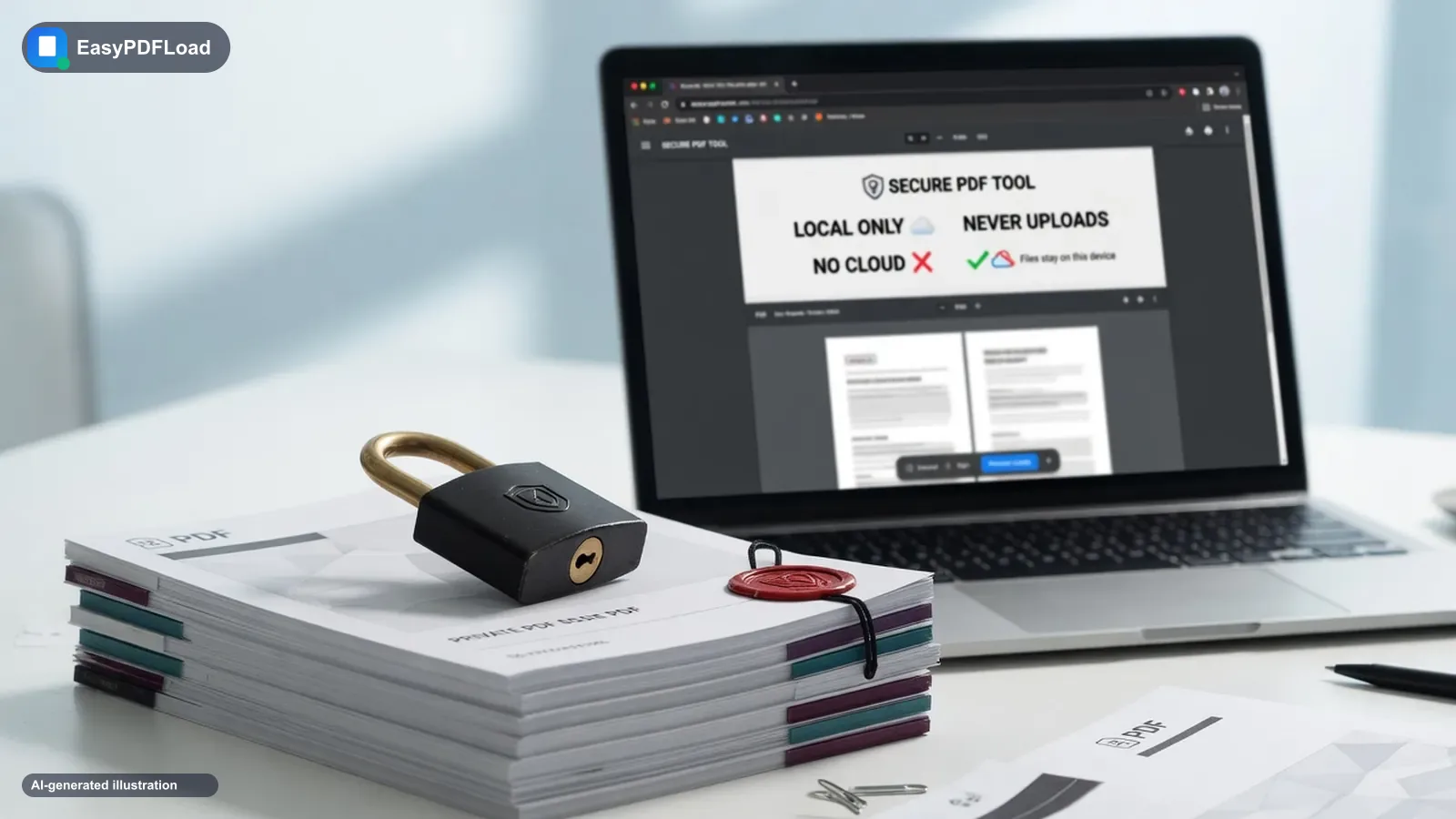
Remove password protection from a PDF you already have access to, so it opens instantly without prompting for a password. You'll need to enter the current password once — everything is decrypted locally in your browser.
Drop your file here, or click to choose
What happens to your file and your password
pdf-lib opens the file in this tab using the password you enter, then re-saves the same document without its encryption dictionary — the pages, text, and images are copied through unchanged, only the security layer is removed. Your password is used locally to unlock the file object in memory and is never sent anywhere; open DevTools' Network tab while unlocking and there's no request carrying it.
How to unlock pdf
 1
1Drop the PDF
Drop the password-protected PDF into the tool — it stays on your device.
 2
2Enter the password
Enter its current password.
- 3
Unlock
Click "Unlock PDF" to decrypt the document.
 4
4Download
Download a copy that opens without a password.
Why trust Unlock with sensitive files?
- 🔓 Remove a password from a PDF you already have access to, so it opens instantly without typing it in every time.
- 🗝️ Just enter the current password once — no account, no email, no waiting on a server queue.
- 🔒 Decryption happens locally in your browser, so your password is never transmitted anywhere.
- 💸 Free, and the content, text, and images are left exactly as they were — only the lock is removed.
A real use case
An accountant password-protected a client's tax return before emailing it, and now needs to merge it with two other unlocked documents — but Merge can't read an encrypted file. Enter the password once in Unlock PDF, download the decrypted copy, and it's ready to merge, sign, or edit like any other file.
Limits and edge cases
- You must already know the current password — this doesn't recover a forgotten password or break encryption on a file you don't have access to, since it decrypts using the password you provide rather than attacking the protection.
- Some PDFs carry restriction flags (no printing, no copying) without an open password; those still need the owner password to fully unlock, since permission flags are a form of protection distinct from an open-password prompt.
- The output is a fully unencrypted file — treat the downloaded copy the same way you'd treat any unprotected document, since the password barrier is gone once you unlock it.
- Very large encrypted PDFs take slightly longer to decrypt and re-save, since the whole file is processed in your browser's memory rather than on a server.
When this tool is the right one to reach for
What this is for
- Removing a password from your own file so it stops prompting you every time
- Unlocking a file a client or employer sent you, along with its password
- Preparing a file to merge, split, or edit — those tools need it unlocked first
What this doesn't do
- Recover a password you've genuinely forgotten
- Break the encryption on a file you don't have permission to open
- Bypass protection someone else set on purpose to restrict access