October 22, 2026 · 6 min read
Written by Hassan Raza, Founder & Developer of EasyPDFLoad.
Is Smallpdf HIPAA compliant?
Short answer: Smallpdf does not claim it. A blog page about translating medical documents says "We're not HIPAA-compliant", and we found no business associate agreement (BAA) on its pages. For protected health information, use a vendor that signs a BAA, or ask your compliance officer first.
EasyPDFLoad is a competing PDF tool. This page quotes Smallpdf's own pages, read in October 2026: its medical document blog post, trust center and privacy notice. HIPAA text comes from the federal regulations and the HHS website. We read the Smallpdf pages as extracted text, so check the live wording before you rely on it.
What does HIPAA ask of a PDF tool vendor?
HIPAA applies to covered entities, such as a clinic or a health plan, and to their business associates. The federal definition of a business associate includes a person who, on behalf of a covered entity, "creates, receives, maintains, or transmits protected health information" for a regulated function (45 CFR 160.103). An online PDF tool that receives a patient record from a clinic fits that wording.
When a vendor is a business associate, the covered entity needs a written contract with it. The rule says a covered entity may let a business associate handle protected health information if it obtains satisfactory assurance that the information will be safeguarded, and that the assurance must be documented in a written agreement (45 CFR 164.502(e) and 164.504(e)). That contract is the business associate agreement, or BAA. HHS says a business associate cannot self-certify in place of the contract.
Two things people expect do not exist. First, there is no official HIPAA certification for software. HHS says its Office for Civil Rights "does not endorse, certify, or recommend specific technology or products." A badge that says "HIPAA certified" is not an HHS mark. Second, being unable to read the file does not remove the duty. HHS cloud guidance says a provider that maintains encrypted data is still a business associate even if it holds no key and "cannot actually view the ePHI".
What does Smallpdf say about HIPAA on its own pages?
The clearest statement is on a Smallpdf blog page about translating medical documents. It says HIPAA requires a BAA for processing protected health information, and then: "We're not HIPAA-compliant and don't provide certified translation." The same page says it protects files with encrypted processing and deletion after one hour, and suggests Smallpdf for anonymized or de-identified documents.
We looked for a BAA offer on the trust center, pricing, privacy notice, terms and the teams page. The words HIPAA, BAA and business associate did not appear on any of them. The Business plan lists custom pricing and dedicated support, and no BAA. That is a gap in what we read, not proof that no contract exists. If you are a large organization, ask Smallpdf in writing.
Smallpdf's redaction page does mention HIPAA, telling readers to redact personal data to help keep documents compliant. That is about your document's content, not about Smallpdf's own status as a vendor. Its trust center states ISO/IEC 27001, GDPR, CCPA and nFADP, and does not list HIPAA.
For the general question of whether Smallpdf is safe, including deletion times and where its servers are, see our Smallpdf safety guide. This page is only about protected health information.
What does each kind of tool mean for protected health information?
| Kind of tool | Does the vendor receive the file? | What it means for PHI |
|---|---|---|
| Upload tool, no BAA | Yes, on its servers | The vendor receives PHI with no contract. Not suitable for PHI unless your compliance officer says otherwise. |
| Upload tool, with a signed BAA | Yes, under contract | This is the path HIPAA describes. The BAA, not the badge, is what matters. Check the plan that includes it. |
| Desktop software | Depends on the product | Many products work locally, but some sync or phone home. Read what it sends. Your own IT policies still apply. |
| Tool that never receives the file | No, by design | The vendor never creates, receives, maintains or transmits the file. HHS has not said what this means. Ask your compliance officer. |
Why does a tool that never receives the file change the question?
The test HHS and the regulation use is whether the vendor creates, receives, maintains or transmits protected health information. An upload tool does all of those, so the BAA question is unavoidable. A tool that runs in your browser tab and never sends the file to its server asks a different question, because the vendor may never see the data at all.
We are not saying that makes anyone compliant. In the HHS pages we read, there is no statement about software that runs entirely on the user's device. We found nothing that says such tools are exempt, and nothing that says they are not. Whether your use is acceptable also depends on your own safeguards: who can open the file, which device it sits on, and your organization's policy.
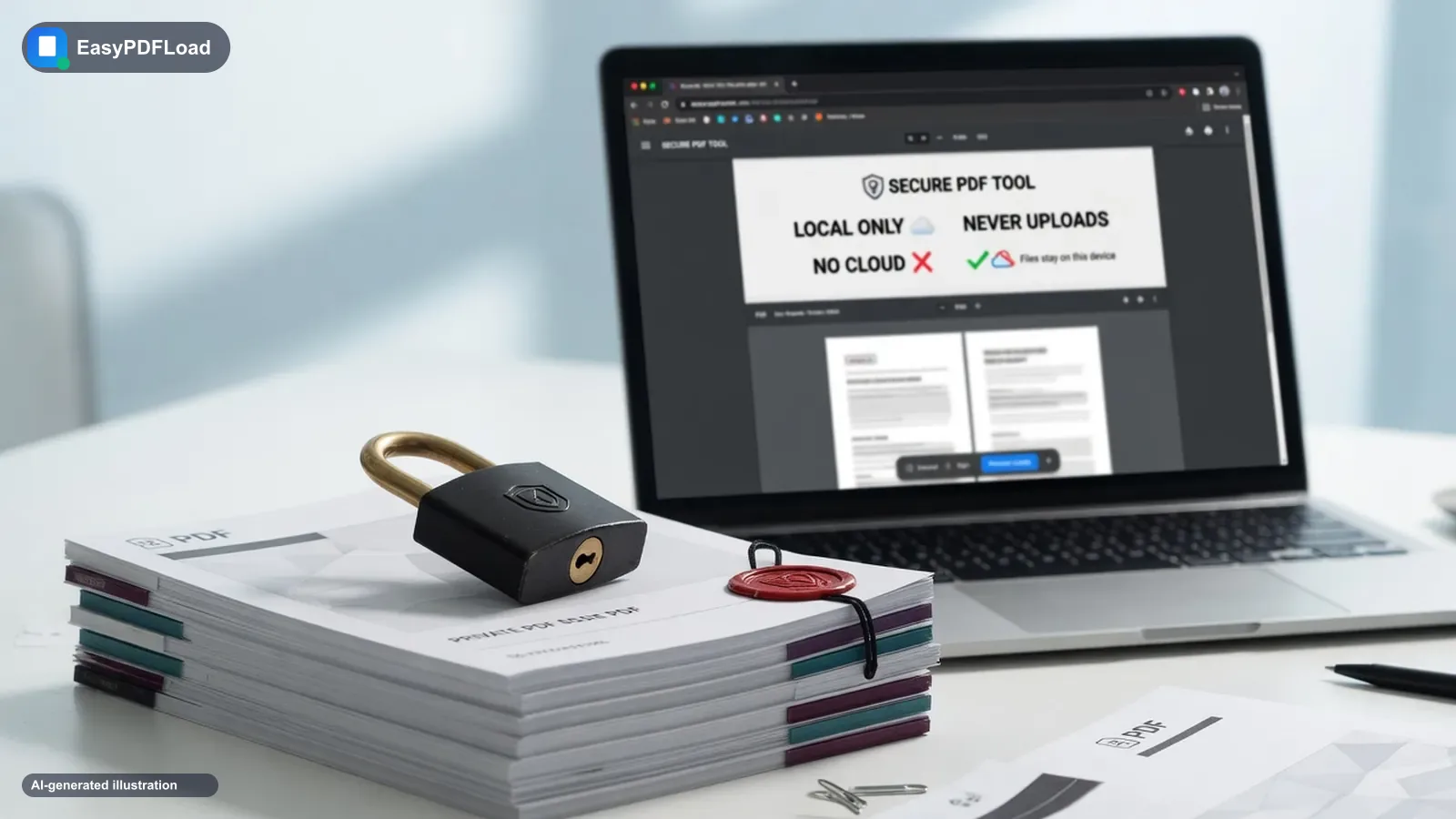
EasyPDFLoad works this way. Its tools process the file in your browser tab with pdf-lib and pdf.js, and the page's Content-Security-Policy only allows the page to connect to its own origin. We offer no BAA and make no HIPAA statement. The privacy policy says the site may show ads and use analytics and advertising cookies, so a compliance officer will want to read it. Tell them what the tool does and let them decide.
Ask your compliance officer before putting protected health information into any tool. This page is a reading of public pages, not legal advice.
How to check where a PDF tool sends your file
You do not have to take a vendor's word for this. Your browser shows every request a page makes.
- Open the tool page, press F12 and click the Network tab.
- Tick Preserve log, then clear the list.
- Run the tool with a harmless test PDF of a few megabytes, not a real record.
- Look for a request whose size is close to your file. An upload tool shows one, often a POST. A tool that keeps the file in the tab does not.
Small requests for fonts, scripts, analytics or ads can appear on any site and are not your file. Our guide on how to tell whether a PDF tool uploads your file walks through the same check with more detail. A clean result tells you about that page on that day. It does not replace a contract.
When is an upload tool still the right choice?
If your work needs a signed BAA, a named support contact and audit records, you need a vendor that offers them, and a free browser tool will not. If a document has been properly de-identified, the rules look different, and your compliance officer can confirm that.
A browser tool has limits too. EasyPDFLoad has no audit trail, no access controls and no sign-off from a regulator. For the cases where the file can stay on your device, you can redact a PDF, merge records or password protect a file without an upload. Redaction flattens the affected pages to images. See the private PDF tools overview for the full list.
Straight answers (Is Smallpdf HIPAA compliant)
Is Smallpdf HIPAA compliant?
No claim of it. A Smallpdf blog page on medical translation says it is not HIPAA-compliant, and we found no business associate agreement offered on its pages.
Does Smallpdf sign a BAA?
We could not find one. The words BAA and business associate do not appear on its trust center, pricing, privacy or terms pages.
Is there a HIPAA certified PDF tool?
No. HHS says it does not endorse, certify or recommend specific technology or products. What matters is a signed BAA.
Do I need a BAA if the vendor cannot read my file?
Possibly yes. HHS says a cloud provider that maintains encrypted data is a business associate even without the key.
Does a browser-only PDF tool make me HIPAA compliant?
No. HHS has no statement on on-device software. The test is whether the vendor receives the file. Ask your compliance officer.
Does EasyPDFLoad offer a BAA?
No. We offer no BAA and make no HIPAA statement. Our tools process files in your browser tab, which you can check in the Network tab.
Related to Is Smallpdf HIPAA compliant
- Redact PDF: Permanently black out sensitive text or images before sharing a PDF.
- Protect PDF: Add a password and set permissions to restrict printing, copying, or editing.
- Merge PDF: Combine multiple PDF files into a single document in seconds.
- How to check whether any PDF tool uploads your file
- Is Smallpdf Safe? What Their Own Pages Say About Your Files
- Merge PDF Without Uploading? “No Sign-Up” Isn’t “No Upload”
- Is It Safe to Convert a PDF Online? What Actually Matters
- EasyPDFLoad vs Smallpdf: an honest comparison