October 22, 2026 · 6 min read
Written by Hassan Raza, Founder & Developer of EasyPDFLoad.
Is PDF24 safe to install? Creator vs the online tools
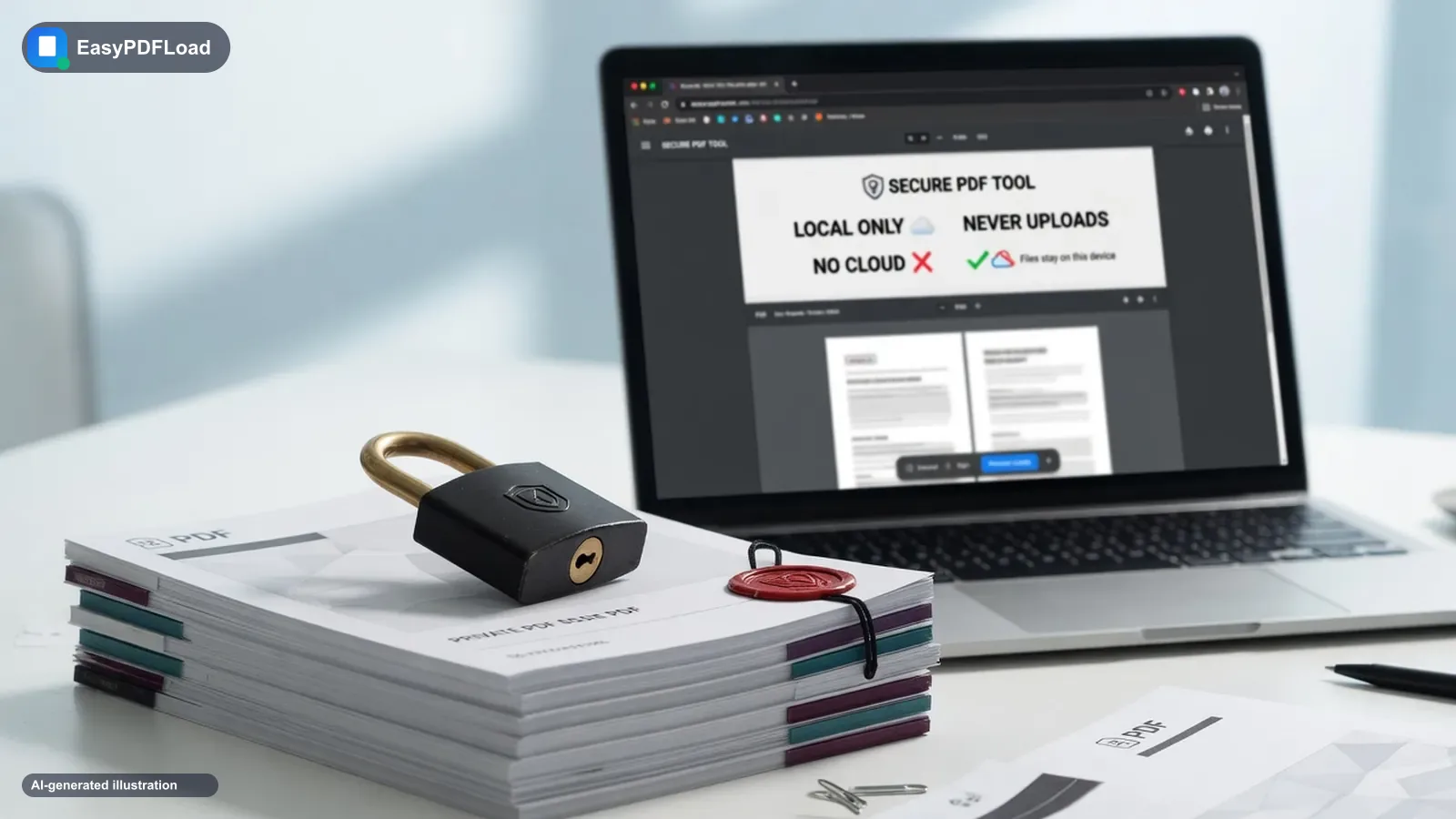
Short answer: PDF24 is two products. The online tools upload your file and say they delete it about an hour later. PDF24 Creator is a Windows app that the vendor says keeps files on your PC. We found no independent test of either, so we report what the vendor states and what we could not check.
EasyPDFLoad is a competing PDF tool, so weigh this page accordingly. The PDF24 statements below were read in October 2026 on the PDF24 Creator page, the PDF24 FAQ, the PDF24 privacy policy and the PDF24 Creator manual. They are the vendor's claims, not our test results.
Which PDF24 are you asking about?
Most people who search "is PDF24 safe" mean one of two things. Either they are about to upload a file to the PDF24 website, or they are about to run an installer on their Windows PC. The risks are different, so we keep the two apart.
- PDF24 online tools run in the browser, but the work happens on PDF24's servers. Your file is uploaded.
- PDF24 Creator is a desktop program for Windows. You download it, install it, and the vendor says the tools run on your own machine.
Neither product is the same as the other in how it touches your file. Judging one by the rules of the other gives the wrong answer.
What PDF24's online tools do with your file
PDF24 says plainly that its online tools upload your file. Its home page states that the tools "process files on special PDF24 servers". The PDF to Word page says the conversion "is done on our servers", and the OCR page also describes processing on its servers.
On retention, the privacy policy says uploaded files and results "are usually deleted one hour after uploading or creating the results". It adds that longer storage may be needed if processing takes more than an hour. It also says server logs are kept for up to 14 days. These are the figures as read in October 2026.
The same policy says the processing servers are located within the EU, with one stated exception: the optional AI invoice recognition uses Google and may process data outside the EU. The tool pages mention Germany, which is a narrower claim than the policy's EU wording. The operator is geek Software GmbH in Berlin.
The vendor's FAQ says transfers are encrypted and that files are not stored or evaluated beyond their purpose. The privacy policy also names Google AdSense and Google Analytics on the website, with consent required for cookies that are not technically necessary. For a deeper look at the general question, see our guide on whether a PDF tool actually uploads your file.
What PDF24 Creator installs on your PC
The vendor describes Creator as "free Windows software for private and business use with all PDF24 tools and a PDF printer". It says files "remain locally on your PC" and that Creator "works offline". Per its manual, the installer can add the following components.
- A virtual PDF printer, in a driverless or a legacy form, plus a fax printer component.
- A printer assistant for saving or e-mailing what you print.
- The toolbox with the tools, which uses Microsoft WebView2. PDF24 ships its own copy.
- Ghostscript, qpdf, Tesseract (for OCR) and a Java runtime.
The manual also lists defaults: desktop icons are created, and the options to register as a PDF reader and to extend the shell context menu both default to yes. If you do not want those, you choose that at install time.
Creator can still use the internet. Per the manual, OCR language files are downloaded on demand unless they are installed locally, and an online converter is used when no local converter exists. There are settings to turn the online converter off and to hide the online tool links. So "offline" describes what the software can do, not a guarantee that it never connects.
On updates, the website tells you to install new versions manually. The manual says automatic updates for the MSI installer are disabled by default. It documents a registry setting with automatic, notify and none modes. It does not say what the default is for the regular EXE installer.
Creator is free for companies as well, per the vendor. Wikipedia describes it as proprietary freeware. It is not open source, so you cannot read its code. The latest version listed in October 2026 was 11.31.1, dated 8 October 2026.
What we could not verify
This section matters more than the previous two. We looked for the following and found nothing, so we make no claim either way.
- An independent security test or lab report on the current installer.
- Any documented security incident involving PDF24.
- A vendor statement about whether the installer is code signed.
- A vendor statement about telemetry in Creator. The privacy policy covers the online tools, fax and AI invoice recognition, and does not mention Creator.
- The size of the installer, and vendor uninstall instructions.
- Any certification such as ISO for the online service.
You will find forum threads and unsourced claims about PDF24 online. We have not repeated any of them, because we could not trace them to a source. The vendor's home page says "100% Free of spyware". That is a claim by the vendor, and we have not tested it.
We are not saying PDF24 is safe, and we are not saying it is unsafe. We are saying what its pages state and what we could not check.
How to evaluate any installer before you run it
This is general hygiene for any program, not a finding about PDF24. It applies to Creator, to its competitors, and to anything else you download.
- Download only from the vendor's own domain. Type it yourself; do not follow a search ad or a mirror.
- When Windows shows the publisher prompt, read the publisher name. "Unknown publisher" is a reason to stop and ask why.
- If the vendor publishes a checksum for the file, compare it with the one on your disk. If it publishes none, note that.
- Scan the file with your security software before you run it.
- Read what the installer will add. Untick optional components you do not need, such as shell extensions or a fax printer.
- On managed or shared machines, use the MSI where one exists and ask your IT team before you install. PDF24 offers an MSI for corporate computers.
- After installing, check Installed apps and your printers list so you know what changed and can remove it.
When PDF24 Creator is the better choice
Be honest about what a desktop program does well. If you are on Windows, Creator bundles many tools in one place. It runs locally according to the vendor, it is free for companies, and nothing is uploaded to process a file. A virtual printer is a real feature: you can create a PDF from any program that prints. We cannot do that in a browser tab.
If you process large batches, or you want OCR on many files, a local install is also less awkward than any web page. For a longer side-by-side, see EasyPDFLoad compared with PDF24.
When a browser tool is the better choice
- Your work laptop blocks installs, or the install needs an administrator you cannot reach quickly.
- You are on a Chromebook, a Mac, Linux or an iPhone. Creator is Windows only. See our page on PDF tools for Chromebook.
- You have one job to do and do not want a printer driver, a Java runtime and other components left on the machine.
EasyPDFLoad processes the file in your browser tab with pdf-lib and pdf.js, so the tool itself does not send the file to a server. You can try merging PDFs or compressing a PDF. Our limits are real. OCR in the browser loads English only and downloads its engine on first use, so for OCR on many scans or in other languages, Creator may serve you better. We also have no virtual printer.
How to check an upload yourself
This check applies to the online tools, not to Creator. You do not need to trust anyone's description of an upload, including ours.
- Open a PDF24 online tool on pdf24.org in a fresh tab and press F12 to open DevTools.
- Go to the Network tab and tick Preserve log.
- Run the tool with a real file, for example a 5 MB PDF.
- Look for a request with a large payload. An upload to a server shows as a request roughly the size of your file.
Repeat the same steps on any tool you are weighing, ours included. For Creator you would instead watch network activity with a firewall or resource monitor while it works, which is a different exercise.
Straight answers (Is PDF24 safe to install)
Is PDF24 safe to install?
We could not find an independent test, so we cannot say. The vendor says Creator keeps files on your PC. Use the installer checklist on this page before running it.
Is PDF24 Creator safe?
We found no independent security test, incident report or code signing statement for Creator. The vendor claims it works offline and keeps files local. Treat that as a claim you can verify.
Does PDF24 upload my files?
The online tools do; the vendor says they process files on its servers. PDF24 Creator is described as local, though it can download OCR languages and use an online converter.
How long does PDF24 keep uploaded files?
Its privacy policy says files are usually deleted one hour after upload. Server logs are kept up to 14 days. These are the figures read in October 2026.
Is PDF24 Creator free for companies?
Yes, according to the vendor's manual, companies can use PDF24 Creator free of charge. It is proprietary freeware, not open source.
Can I use PDF24 Creator on a Mac or Chromebook?
No. The vendor says Creator installs on Windows only. Users of other systems are pointed to the online tools, which upload files.
Related to Is PDF24 safe to install
- Merge PDF: Combine multiple PDF files into a single document in seconds.
- Compress PDF: Shrink a PDF to fit email and upload limits, with a level or target size.
- OCR PDF: Make a scanned PDF searchable, or pull its text out entirely, using OCR that runs in your browser.
- How to check whether any PDF tool uploads your file
- Merge PDF Without Uploading? “No Sign-Up” Isn’t “No Upload”
- Is It Safe to Convert a PDF Online? What Actually Matters
- Open source and self-hosted iLovePDF alternatives, compared honestly
- EasyPDFLoad vs PDF24: an honest comparison
- PDF tools for Chromebook