Published · Last updated · 5 min read
Written by Hassan Raza, Founder & Developer of EasyPDFLoad.
Does iLovePDF Steal Your Data? What Its Policy Says
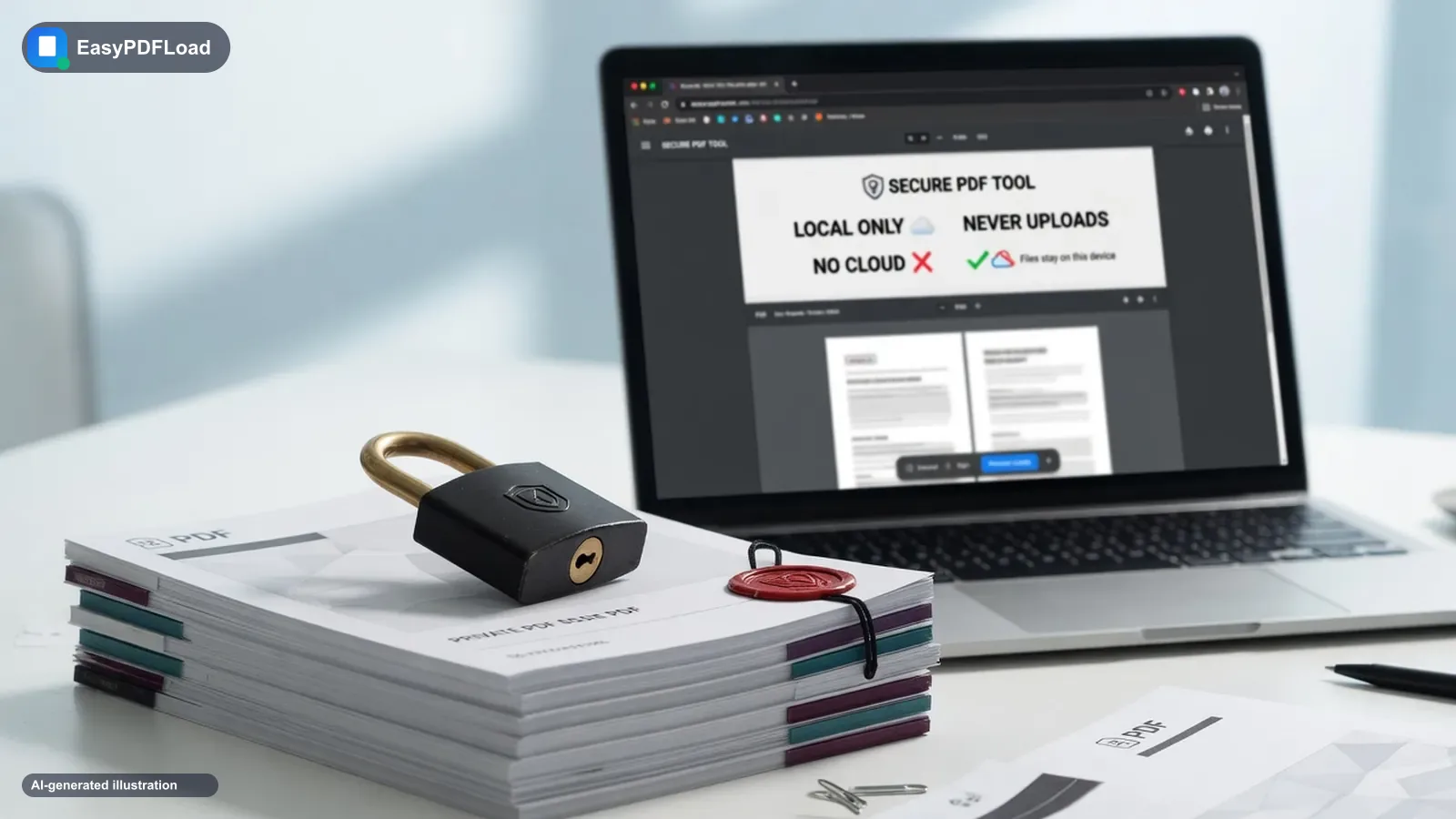
Short answer: Does iLovePDF steal your data? No. It's a real, long-running Spanish company, ISO/IEC 27001-certified and GDPR-compliant. But it is a server-side tool: your file is uploaded to process it, and its own policy says standard files are deleted within two hours. One exception — documents you sign through their e-signature feature are kept for up to five years, which their policy attributes to eIDAS legal requirements for signature validity. None of that is theft. It is also not the same thing as a tool that never uploads your file at all.
We run EasyPDFLoad, a browser-based alternative that doesn't upload files. The iLovePDF facts below come from their own published privacy and security pages as of September 2026.
iLovePDF vs a no-upload tool, side by side
| Question | iLovePDF | EasyPDFLoad |
|---|---|---|
| Does the PDF leave your device? | Yes — uploaded to their servers | No — processed in this browser tab |
| Stated retention, standard files | Deleted within 2 hours of processing | None — never uploaded, never stored |
| Files you e-sign | Kept up to 5 years, per their policy | Never uploaded, so nothing is retained |
| Account required? | No | No |
| Good for a public flyer? | Yes | Yes |
| Good for a passport or signed contract? | Uploaded either way, per their policy | Yes — the file never goes out |
| How to verify | Network tab: you'll see an upload request | Network tab: no document POST after you drop the file |
Is iLovePDF safe? What its own policy actually says
- Standard file deletion: Their privacy policy states that iLovePDF will delete the files of your content "within two (2) hours of being processed on ILOVEPDF's servers."
- Signed documents are the exception: Files processed through their e-signature workflow are retained for up to five years, which their policy attributes to legal evidentiary requirements under eIDAS for the signature to remain valid.
- No AI training on your content: Their policy explicitly states iLovePDF does not use your content to train, improve, or develop its AI models or any third-party AI models.
- Third-party disclosure is narrow, not open: Their policy lists three scenarios — legal compliance, a sale or acquisition of iLovePDF itself, and contracted service providers acting strictly under their instructions. That's standard SaaS boilerplate, not a "we sell your files" clause.
- Certifications: iLovePDF states it holds ISO/IEC 27001:2022 certification and describes itself as GDPR-compliant as a Europe-based company.
- Encryption: Their security page states files are encrypted with HTTPS both in transit and at rest, and describes their process as "end-to-end encryption." Worth noting: because the file is actually processed on their servers — not just relayed between two endpoints — that term is being used more loosely than the strict end-to-end sense where only you could ever decrypt it.
Does iLovePDF sell your data?
No. Its security page says "We do not sell your data to third parties," and its privacy policy states that your content is not used to train AI models. The policy does list three narrow cases where data can be disclosed: legal compliance, a sale or acquisition of iLovePDF itself, and contracted service providers acting under its instructions.
When iLovePDF is a fine choice
A public product sheet, a menu, a syllabus, a form you'd happily attach to an email to a stranger. iLovePDF is a real, certified, long-running service with a published — and reasonably short — deletion window for that kind of file. There's no honest reason to call it unsafe for everyday, non-sensitive documents. That's a plain statement, not a hedge.
See it yourself: the two-minute DevTools check
You don't have to take any privacy page's word for it — including ours. This works on any PDF tool, in any browser:
- Open the tool you want to check, then open your browser's DevTools (F12, or right-click → Inspect) and click the Network tab.
- Clear the log, then drop in a throwaway PDF (not a real document) and run the tool.
- Watch the request list as it processes. A tool that uploads your file shows a large outgoing POST request — often labeled with the filename or a size close to your file's size — heading to that site's server.
- On iLovePDF, you'll see exactly that: a POST request carrying your file to their servers, because that's how their tool works. Try the same check on Merge PDF here and you won't see a request carrying your file at all — nothing to upload means nothing to watch leave.
Full walkthrough with screenshots: "No sign-up" is not the same as "no upload".
When to be more careful
Anything you wouldn't want to exist on a server you don't control, even for two hours: IDs, bank statements, medical records, or a contract you're about to sign — especially since a signed document specifically gets retained for up to five years under their policy, not two hours. For those, a tool that never uploads the file removes the question entirely instead of shortening the window. That's what Merge PDF, Compress PDF, Split PDF, and Protect PDF do here — the document is processed in this browser tab and never sent anywhere.
Is iLovePDF safe for sensitive documents?
It depends on what safe means for that file. iLovePDF is a legitimate company, but your document is uploaded to its servers, and its own policy says standard files are deleted within two hours of processing.
For a flyer or a recipe that is fine. For a passport scan, a bank statement, a medical form or a contract with personal data, the question is not whether iLovePDF will misuse it. It is whether you want a copy to exist on someone else's server at all, even briefly.
- Signed documents are the exception: files processed through their e-signature workflow are kept for up to five years, according to their policy.
- If the file must not leave your device, use a tool that processes it in the browser, then confirm it in the Network tab. The method is in how to tell if a PDF tool uploads your file.
Why "steal" is the wrong word, but "upload" is the right question
Searches for "does iLovePDF steal data" are really asking two separate questions. One is is this a scam or malware site — it isn't; iLovePDF has operated for years, holds a real security certification, and behaves like a legitimate company. The other is does a copy of my document sit on a server I don't control, even briefly — and the honest answer there is yes, for up to two hours under their standard policy, or up to five years if you signed something. Neither of those is theft. But if privacy — not malware — is what you're actually worried about, "does it upload my file" was always the real question underneath "does it steal my data."
What we verified, and how
Everything above about iLovePDF's policy comes from reading their own published privacy and security pages directly, not a third-party review or a malware scanner result. We haven't tested their servers or verified their actual deletion behavior — only reported what they publicly commit to. If their policy changes after September 2026, the specifics above may no longer match what's currently published; check their pages directly for the current version.
For the broader malware-vs-privacy split across PDF tools generally, see is it safe to convert a PDF online. For how another popular converter's policy reads, see is Online2PDF safe?
FAQ: the short version
Does iLovePDF steal your data?
No. iLovePDF is a real, ISO/IEC 27001-certified, GDPR-compliant company, not a data-theft operation. It does upload your file to its servers to process it, which is a different question than theft — their own policy says standard files are deleted within two hours.
Does iLovePDF store files?
Yes, temporarily. Their privacy policy states files are deleted within two hours of being processed. The one exception is documents signed through their e-signature workflow, which are retained for up to five years to meet eIDAS legal requirements for signature validity.
Does iLovePDF sell data?
Its security page says "We do not sell your data to third parties." The privacy policy lists three narrow disclosure scenarios: legal compliance, a sale or acquisition of iLovePDF itself, and contracted service providers acting under their instructions. Their policy also explicitly states your content is not used to train AI models.
Is iLovePDF safe for sensitive documents?
It depends on what you mean by safe. It is not malware and follows a legally compliant, published retention policy. But because the file is uploaded to a server you don't control, even a short retention window is a different risk profile than a tool that never uploads the file at all — which matters more for IDs, medical records, or financial documents than for a public flyer.
Related:is iLovePDF safe for sensitive documents · EasyPDFLoad vs iLovePDF, side by side · how to check whether any PDF tool uploads your file