PDF Tools for iPhone and iPad — No App Required
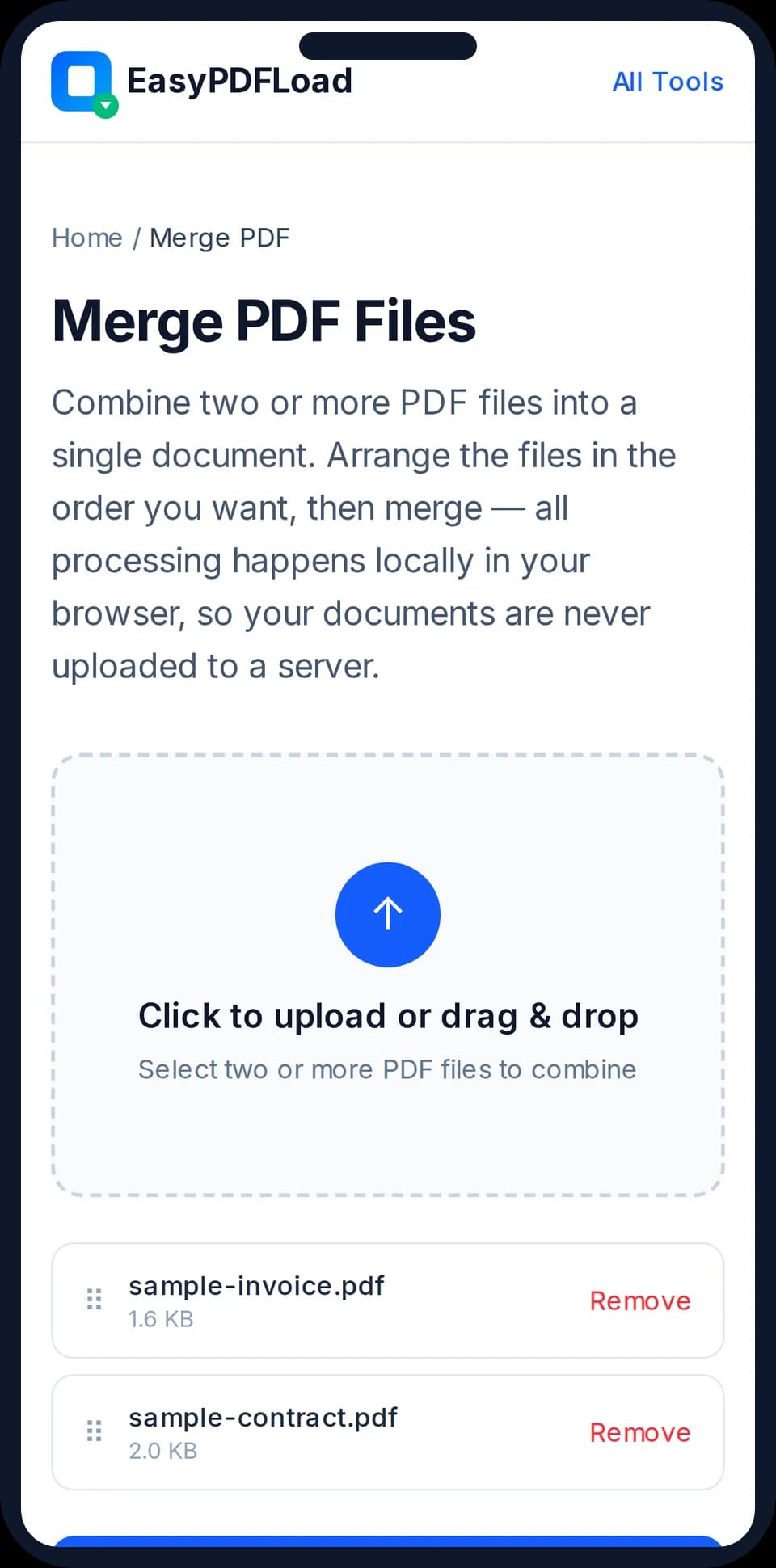
Everything on this page works the same way it does on a laptop: open it in Safari, and the tool runs right there in your tab — no trip to the App Store, no install, no storage taken up on your phone.
Nothing to install
There's no app to download or update. Open the link, use the tool, and close the tab — it's gone from your phone the moment you're done.
Works with your existing Photos and Files apps
Pick images straight from your Camera Roll or a PDF from the Files app using Safari's normal file picker — the same one every app on iOS uses.
Your files stay on your phone
Processing happens locally in Safari using JavaScript — a photo or PDF you select is never uploaded anywhere, even though you're using it through a website.
Tools that work great on iPhone & iPad
JPG to PDFCombine JPG or PNG images into a single PDF document.Merge PDFCombine multiple PDF files into a single document in seconds.Delete PDF PagesRemove unwanted pages from a PDF document.
Every other tool on the site works the same way on iphone & ipad — see the full list.
Tips for using these tools on iPhone & iPad
- 1In the Photos app, tap "Select" and choose multiple photos before switching to Safari — the upload picker can pull from that same selection.
- 2Add this site to your Home Screen (Share → Add to Home Screen) so your most-used PDF tool is one tap away, without it being a real installed app.
- 3If Safari shows a low-storage warning on a very large PDF, close a few other tabs first — processing uses your phone's memory, not ours.
Frequently asked questions
Do I need to download an app to use these on my iPhone?+
No. Every tool runs inside Safari itself. There's nothing to install from the App Store and nothing to update later.
Does this work on iPad too?+
Yes — the tools work the same way on iPad Safari as they do on iPhone or a desktop browser, and take advantage of the larger screen for things like reordering pages.
Will my photos or PDFs be uploaded anywhere?+
No. Files you select are processed locally in Safari using JavaScript. You can turn on Airplane Mode after the page loads and the tools will still work — proof nothing is being sent anywhere.
Can I use Face ID or a passcode-locked PDF with this?+
This site doesn't touch your device's lock screen or Face ID at all — it only works with the PDF file itself, the same way any file-based tool would once you've unlocked your phone normally.